Features
Everything the job touches, in one place
Built around the only sequence that matters in a service business: someone calls, you quote it, you schedule it, you do it, you bill it, you get paid. Everything below hangs off that thread.
Unlimited users on every plan. The plan changes which of these you get, never how many people may log in.
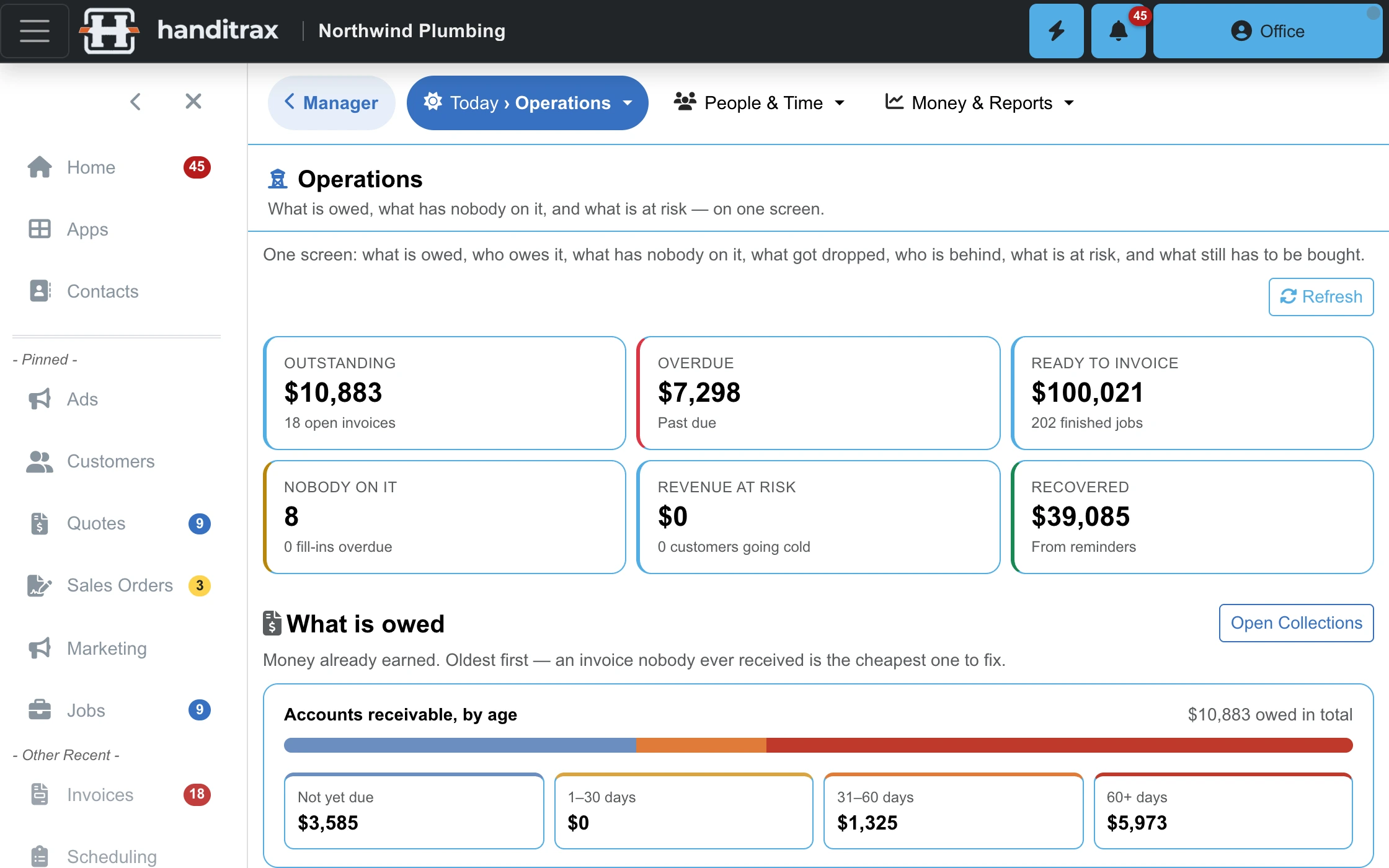
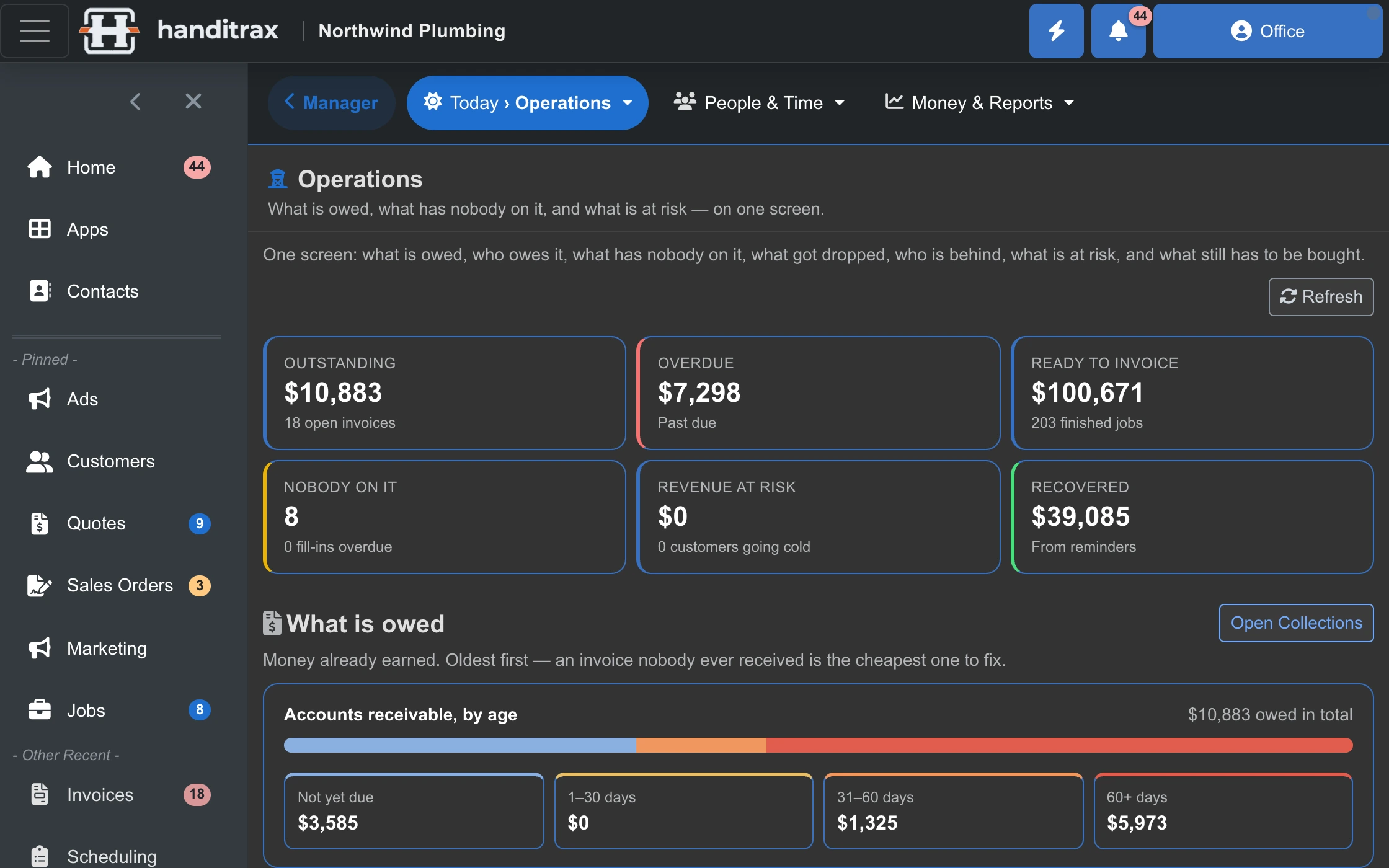
Every screen on this page is real Handitrax. Northwind Plumbing is a made-up sample company.
Winning the work
Leads On Full and up
Phone-call intake and pursuit tracking, so the call you took on a ladder is still a real opportunity on Thursday.
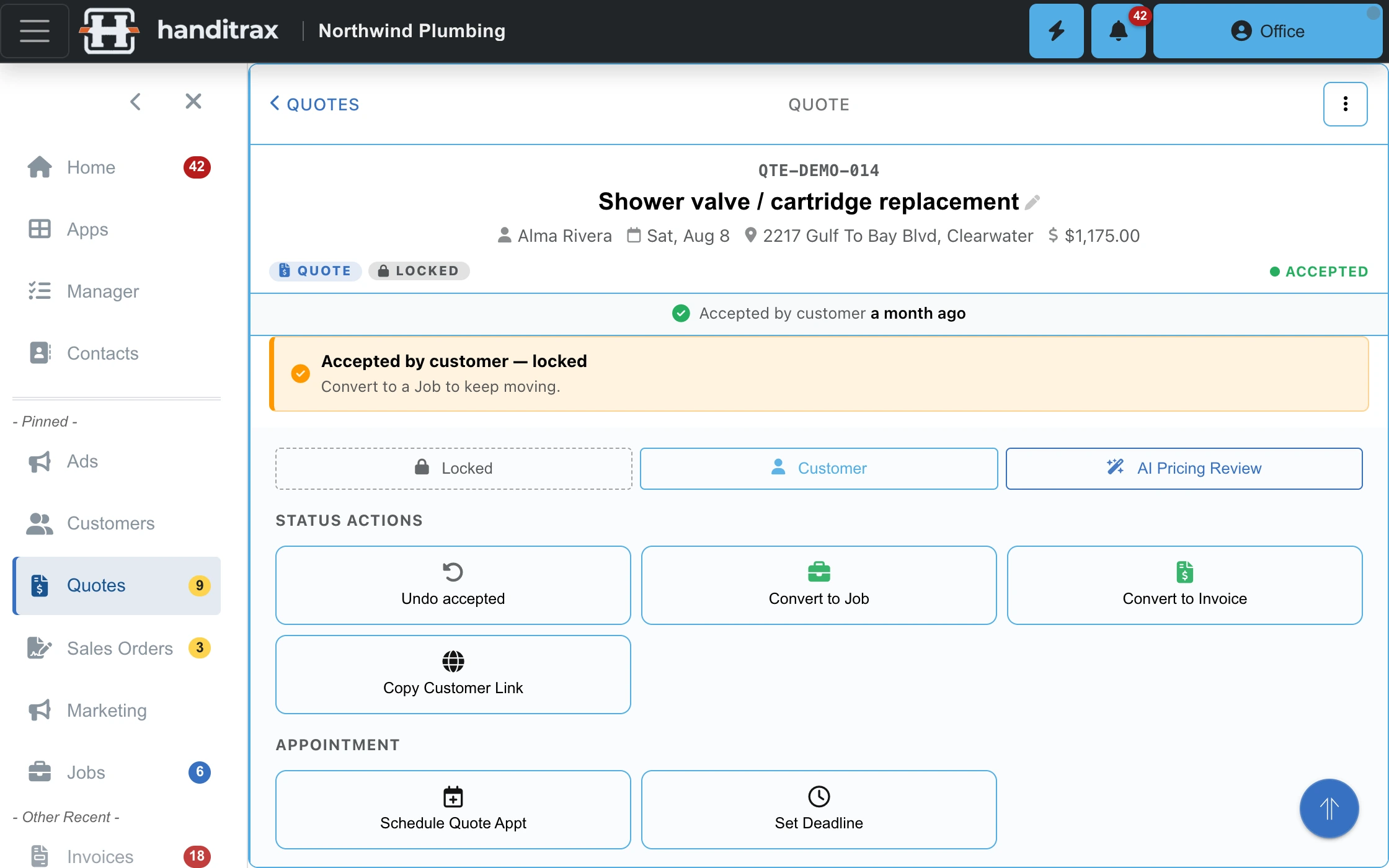
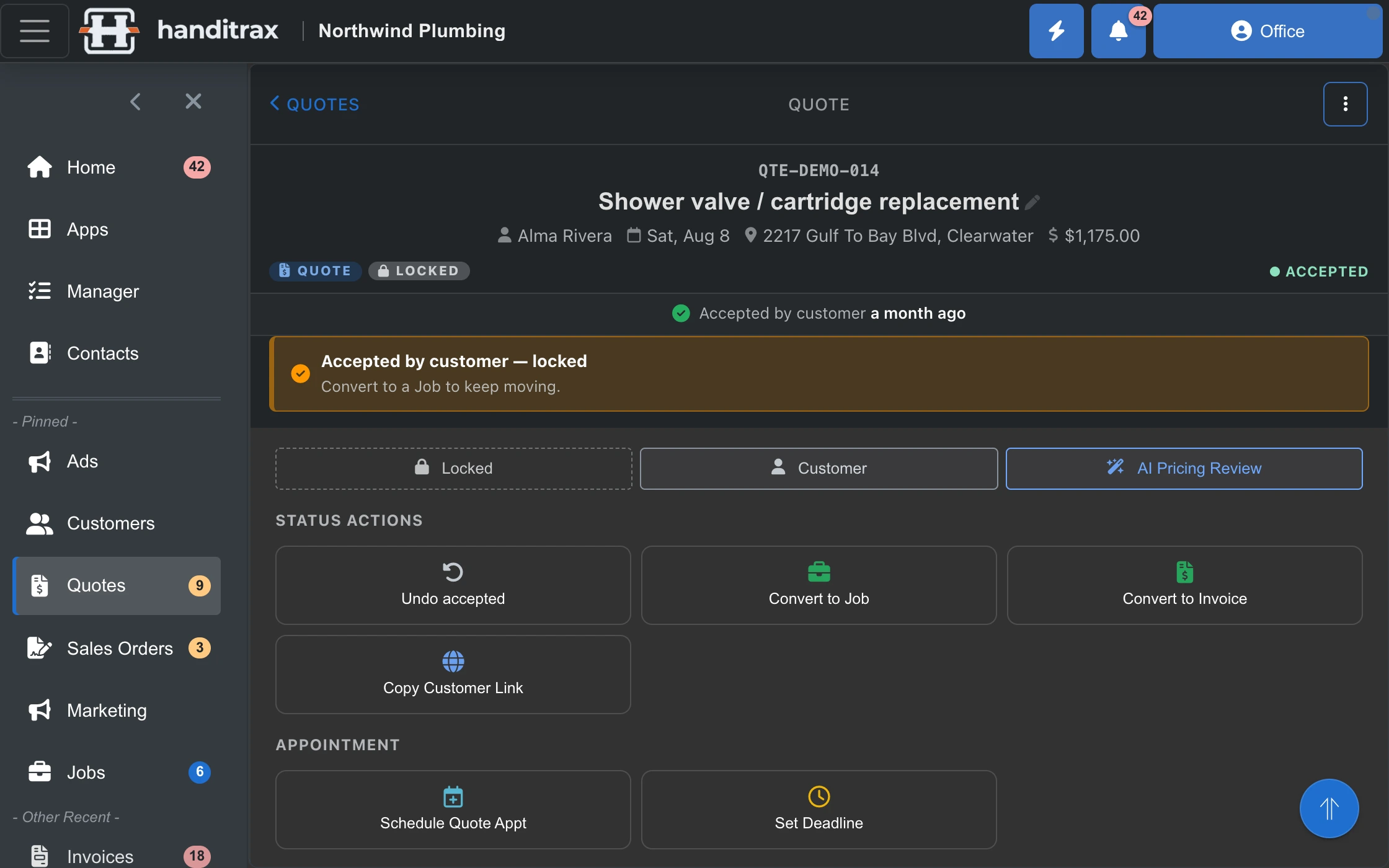
Quotes On every plan
Build from a fixed service, a product, a custom line, or a walk-through of what you actually found on site. Four ways to quote because trades do not all quote the same way.
Measure with your phone On every plan
In the iPhone app, point the camera and measure a length, a window or door (width × height), or tap the corners of a patch or a floor for its square footage — and it goes straight into the line's quantity, with the size noted in the description. On iPhone Pro models, scan a whole room for floor area, wall area, perimeter, ceiling height and every door and window. Made for estimating, not for ordering anything cut to size.
AI quote intake On Pro and up
Drop in an email, a PDF or a spreadsheet and get structured line items back for review. You approve what it extracted — it never quotes on your behalf.
Online booking On Full and up
A public booking page with your real services, your real staff and your real availability behind it.
Price book On Full and up
Your own services and products with your own rates, so a quote is assembled rather than remembered.
Running the day
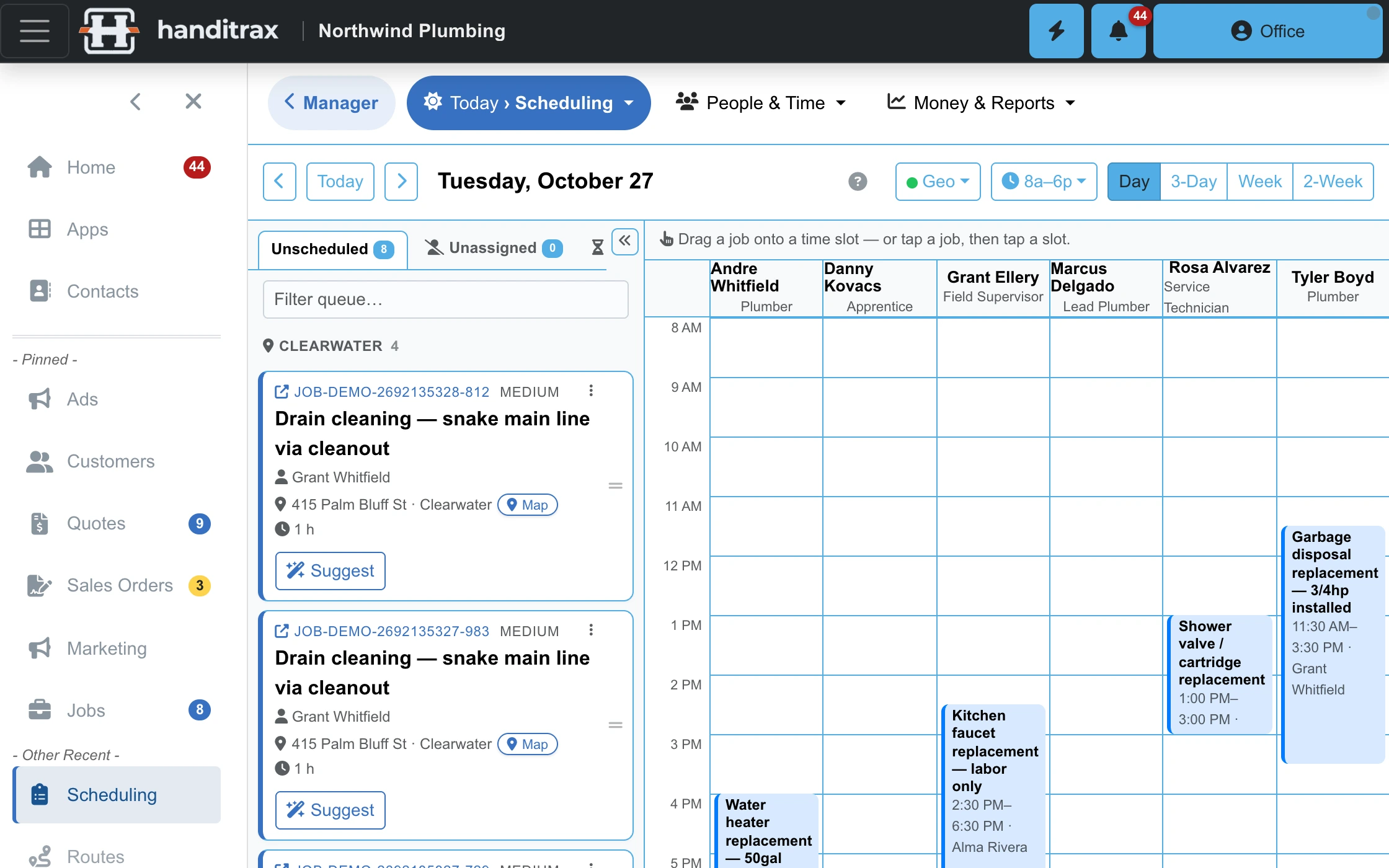
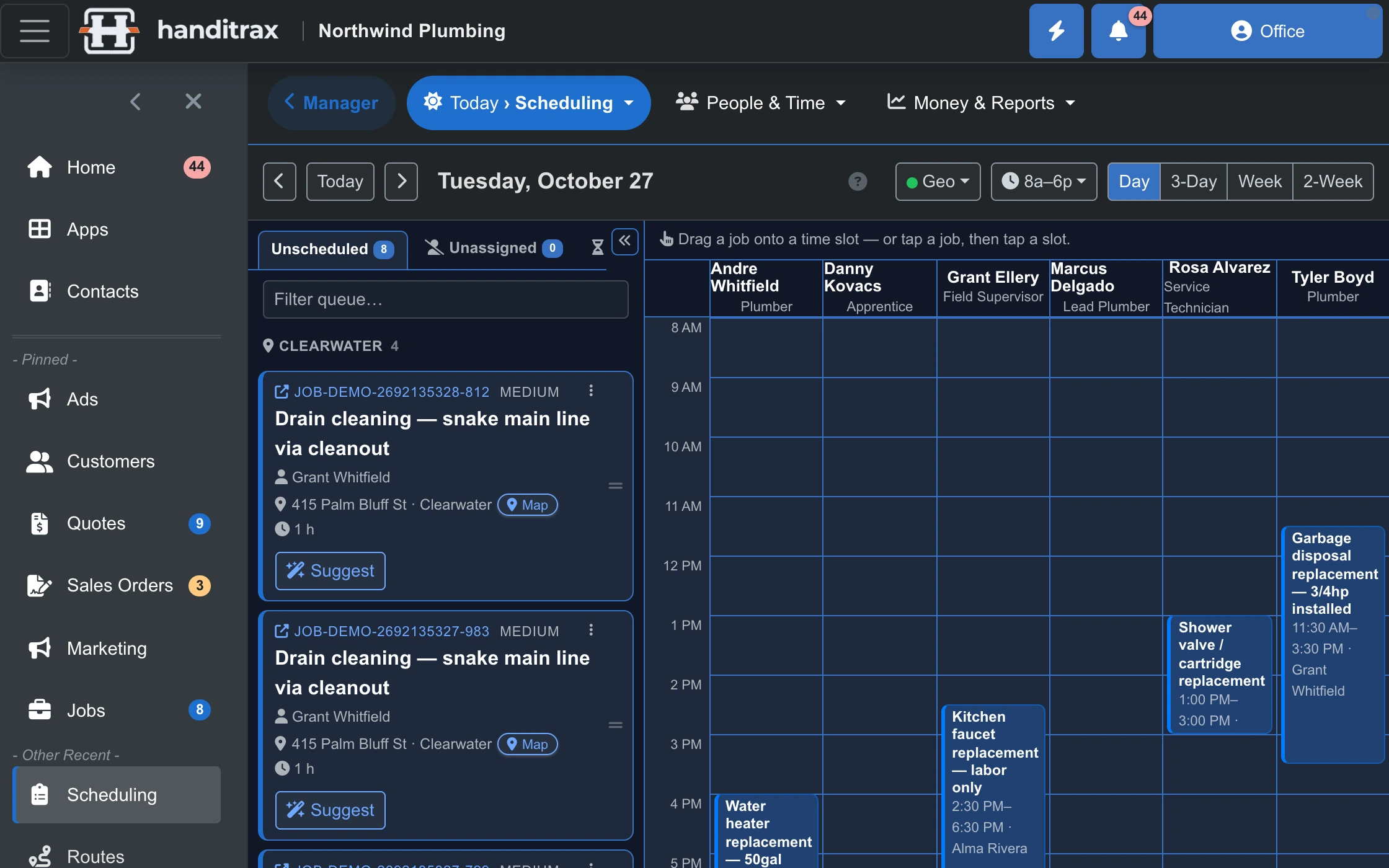
Scheduling board On Full and up
A dispatcher-first board. Drag unscheduled jobs onto technicians and resources and see the day fill up.
Unified calendar On every plan
Personal, team and job schedules in one view, with external calendar sync so nobody double-books around it.
Jobs and job costing On every plan
An itemised worksheet per job — labour, materials, contractors, inventory. Sale minus cost equals margin, reported by job, by technician and by month.
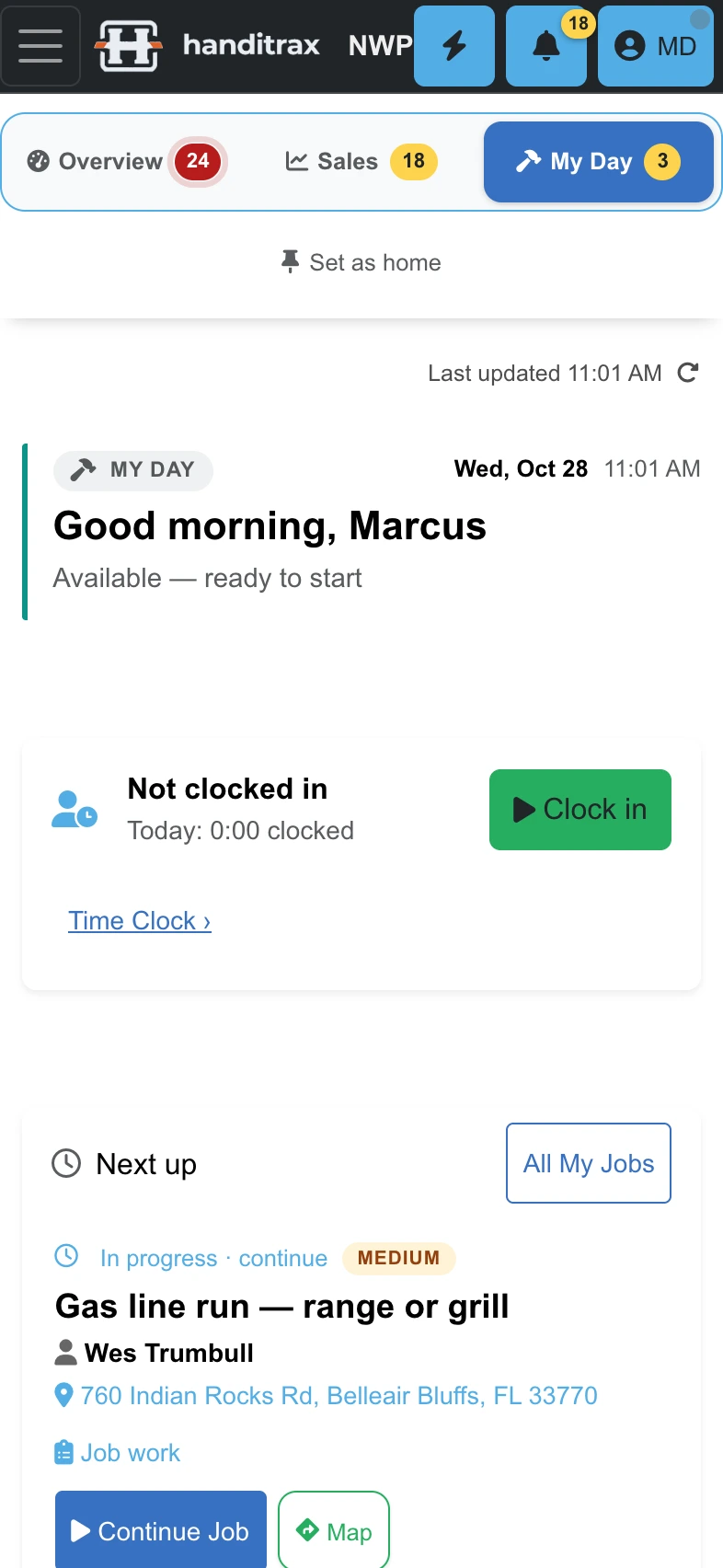
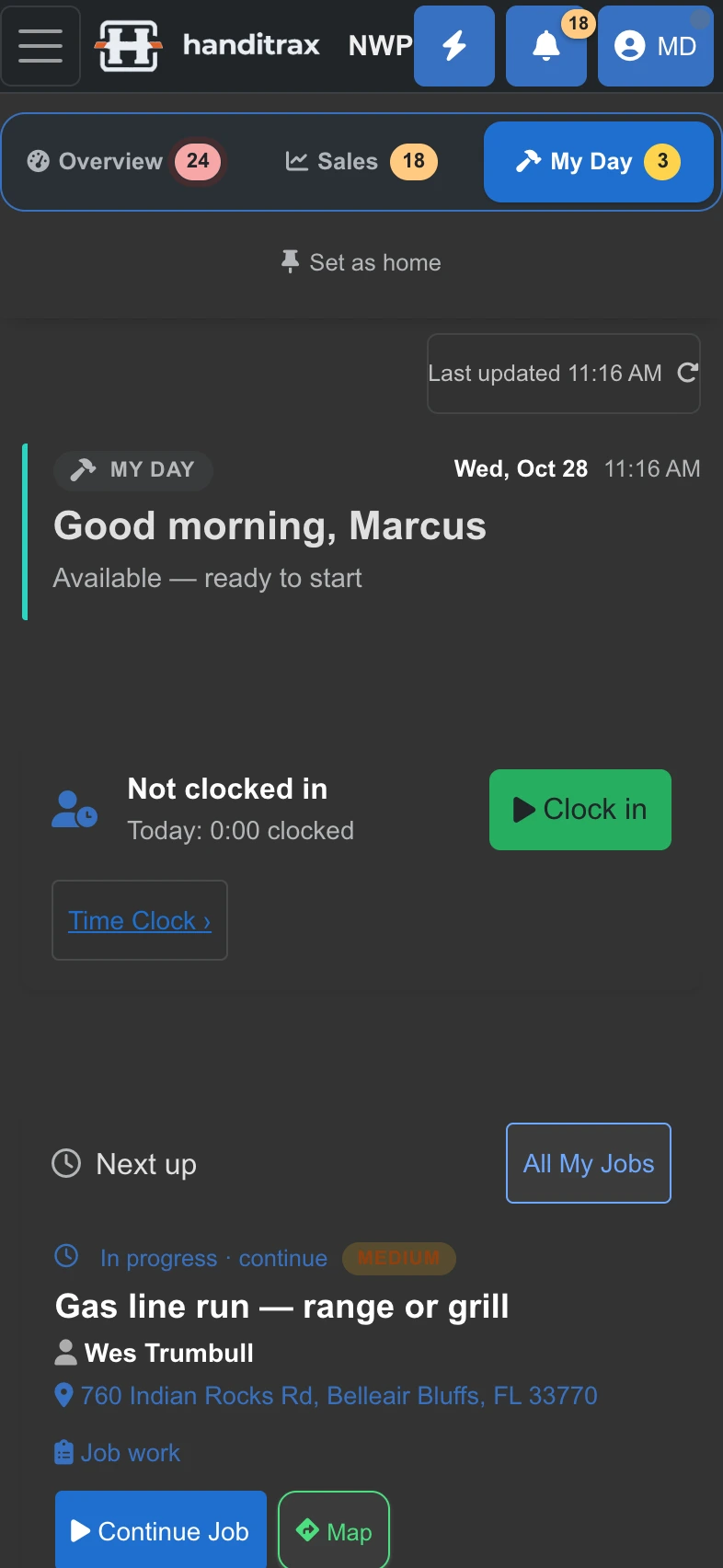
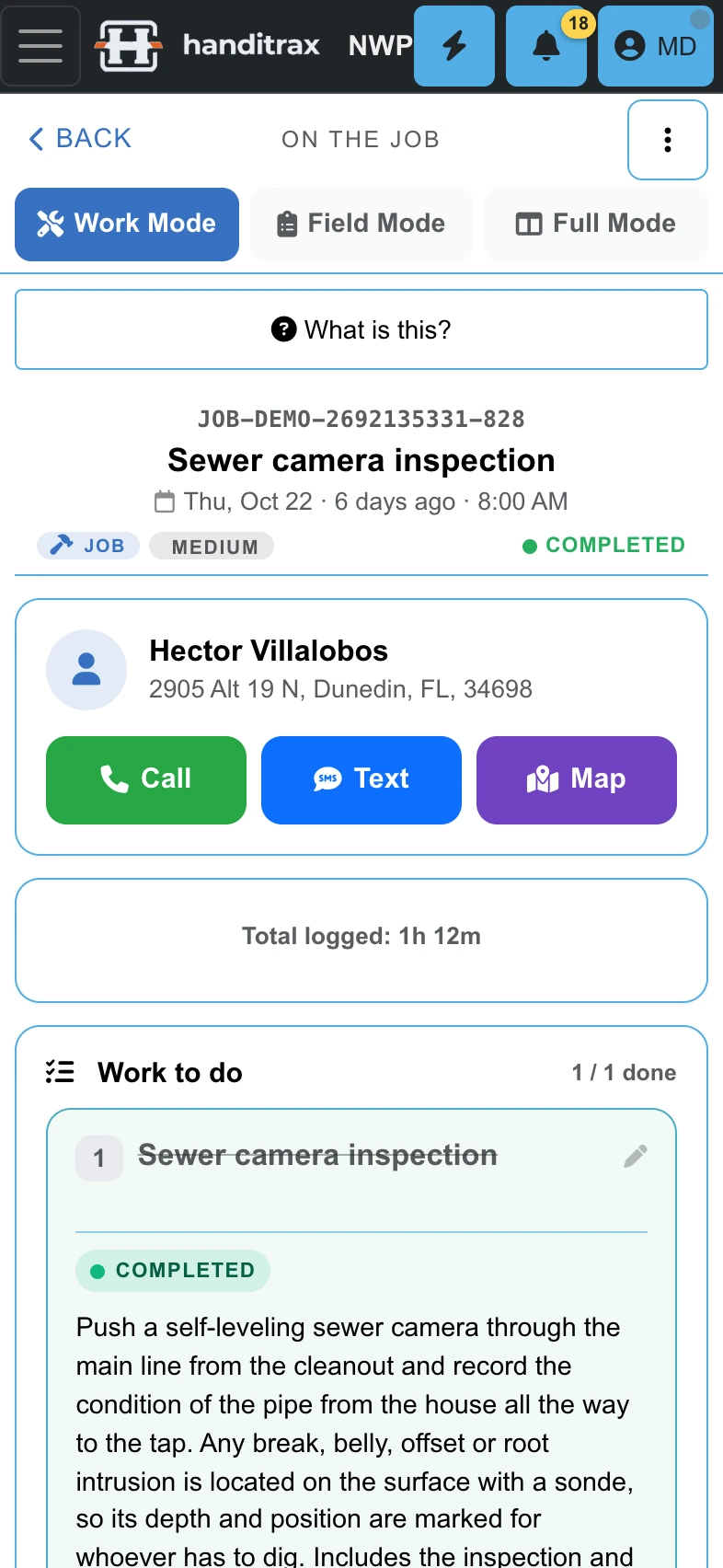
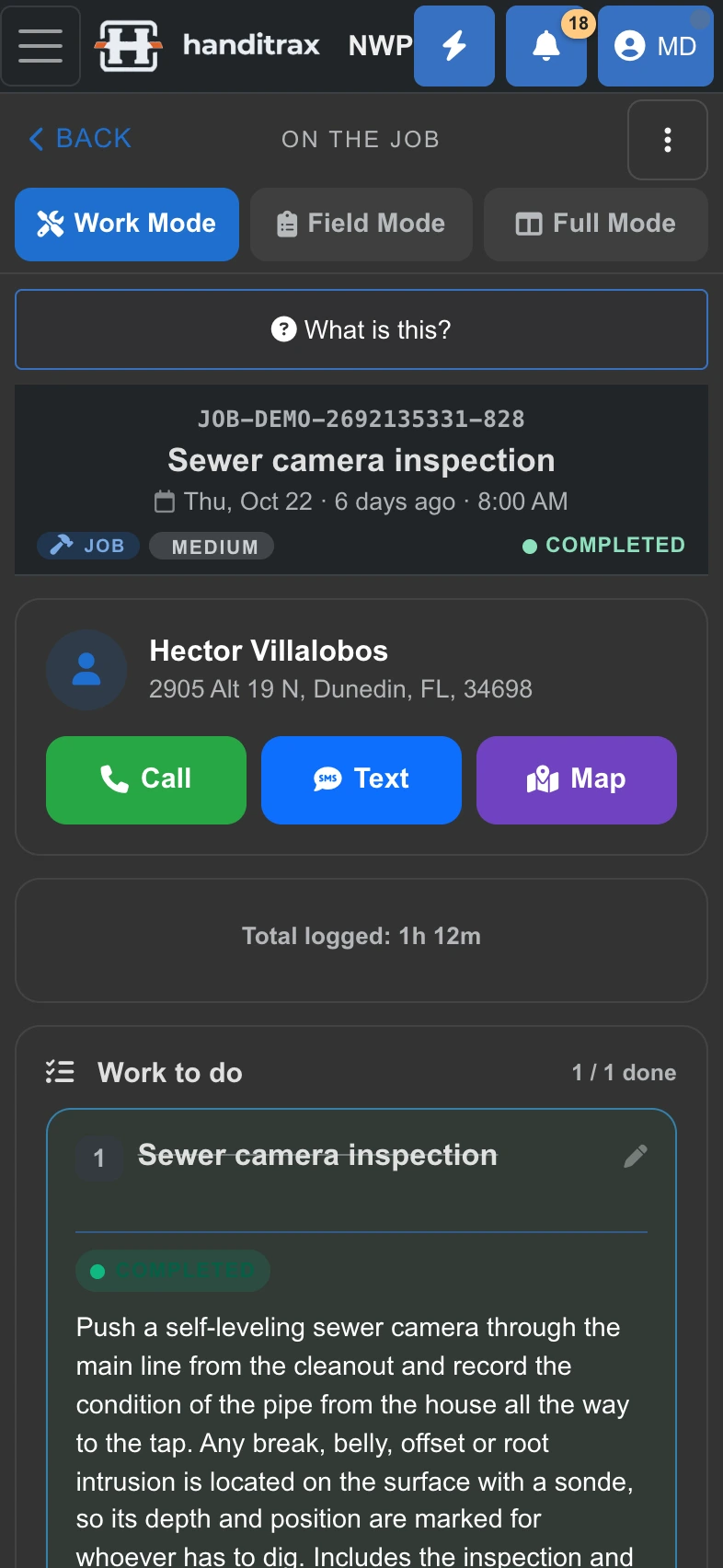
Work Mode and Field Mode for techs On Full and up
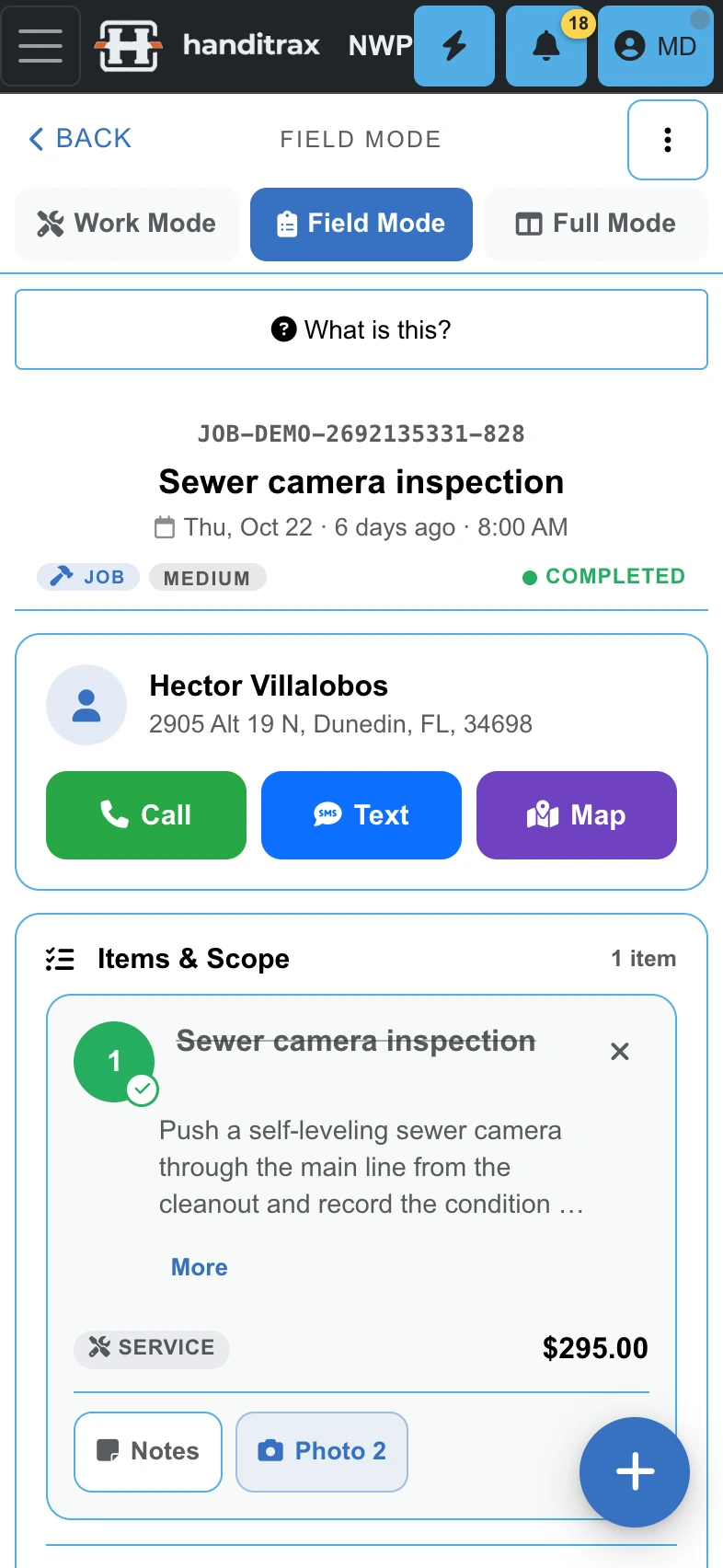
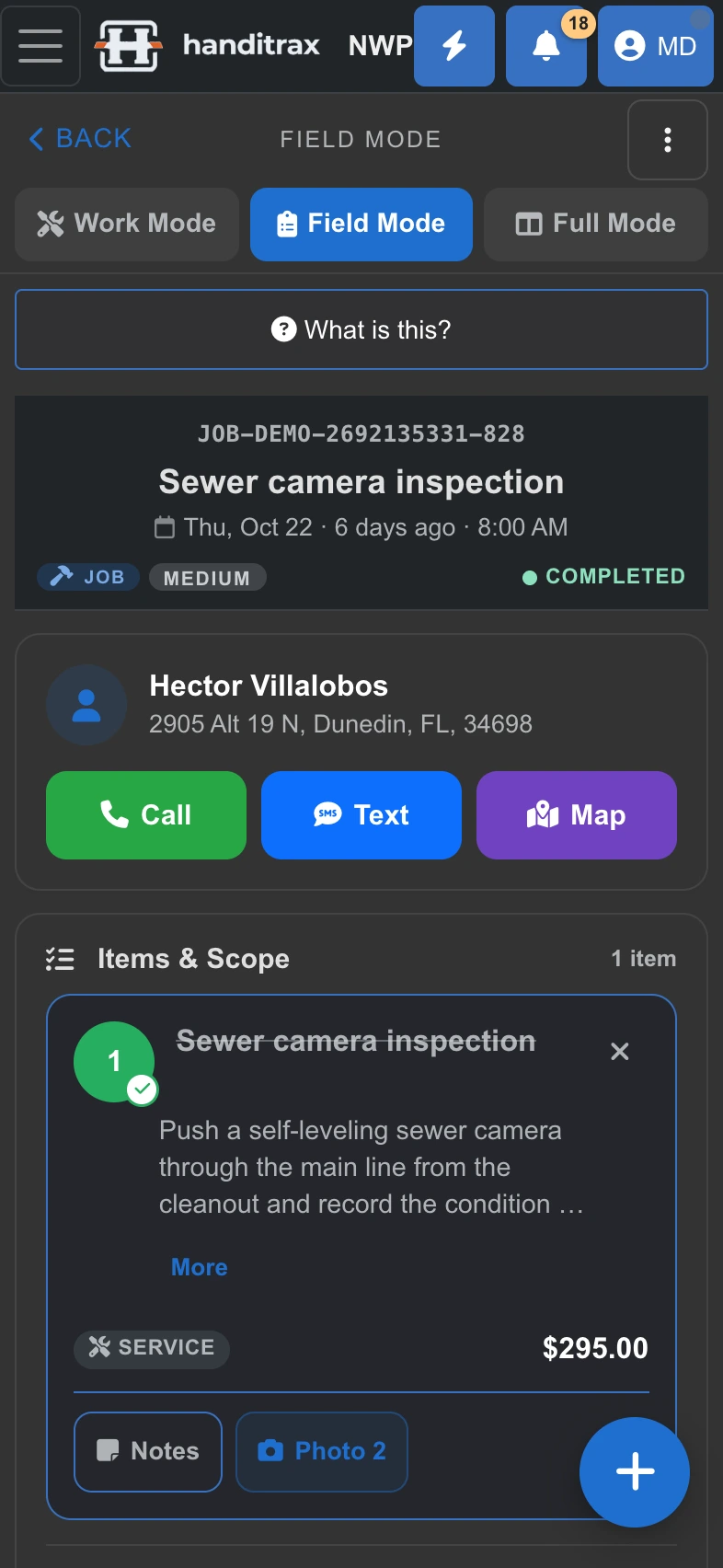
The phone views a technician actually uses on site. Work Mode: call, text or navigate, the job timer and Complete Job, with the buttons pinned while you scroll. Field Mode: the scope line by line, with notes and before-and-after photos.
Properties and history On Full and up
A service-site registry, so arriving at an address means arriving with everything that was ever done there. Rental portfolios and watch lists too.
The supply run On every plan
A shopping list for the merchant run on the way to the job, built from what the work needs.
Inventory and truck stock On Pro and up
Stock on hand per item and per location, including what is on each van, with low-stock alerts.
Mileage tracking On Pro and up
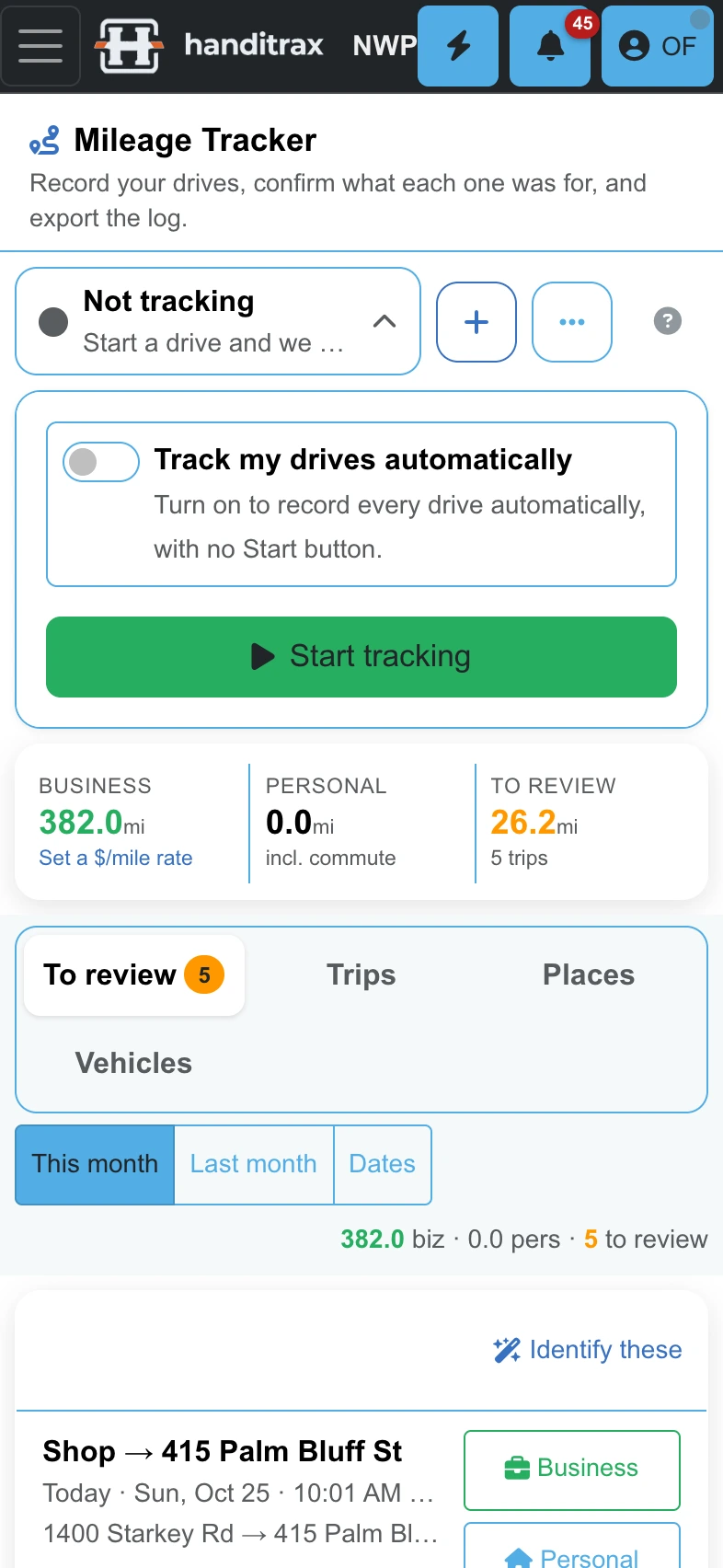
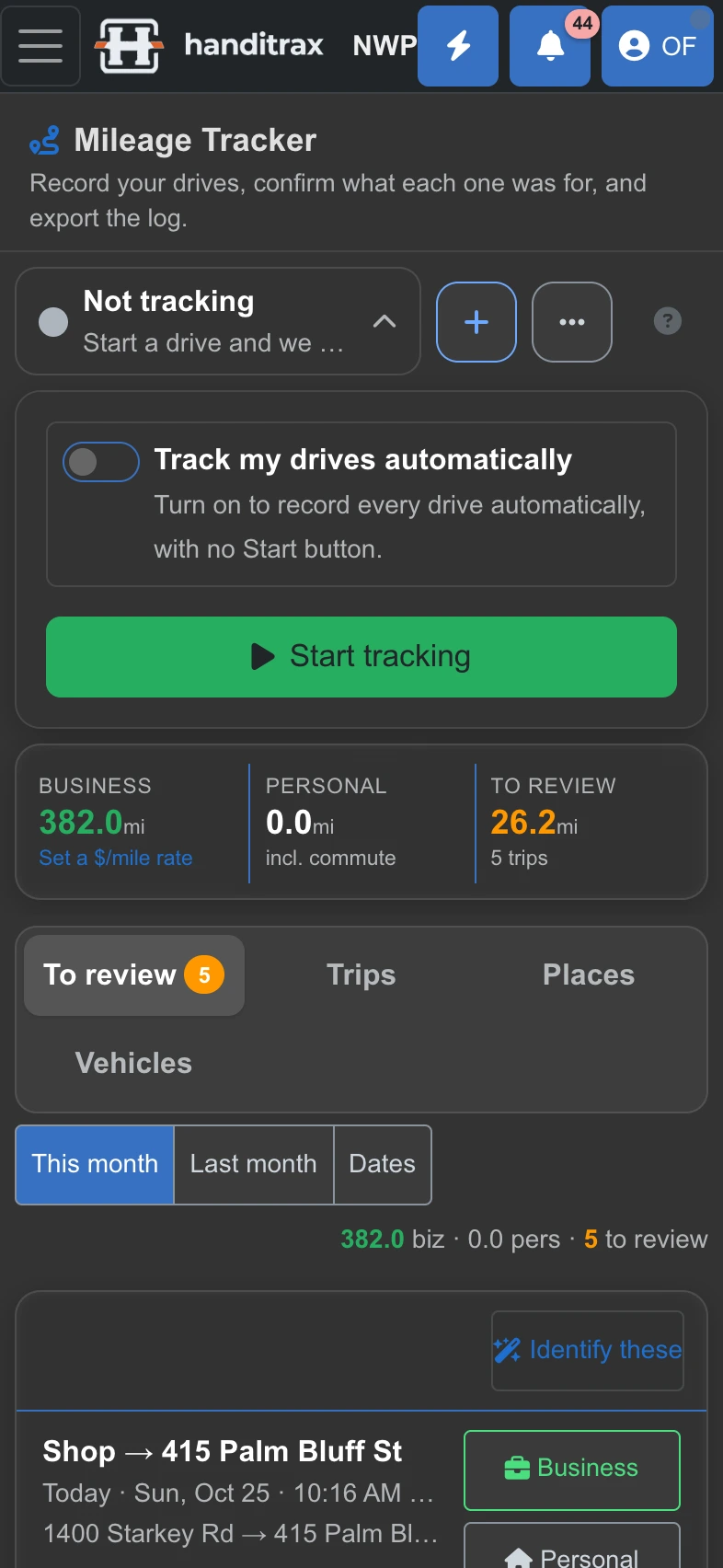
Record the drives, confirm what each one was for, export the log at tax time.
Getting paid
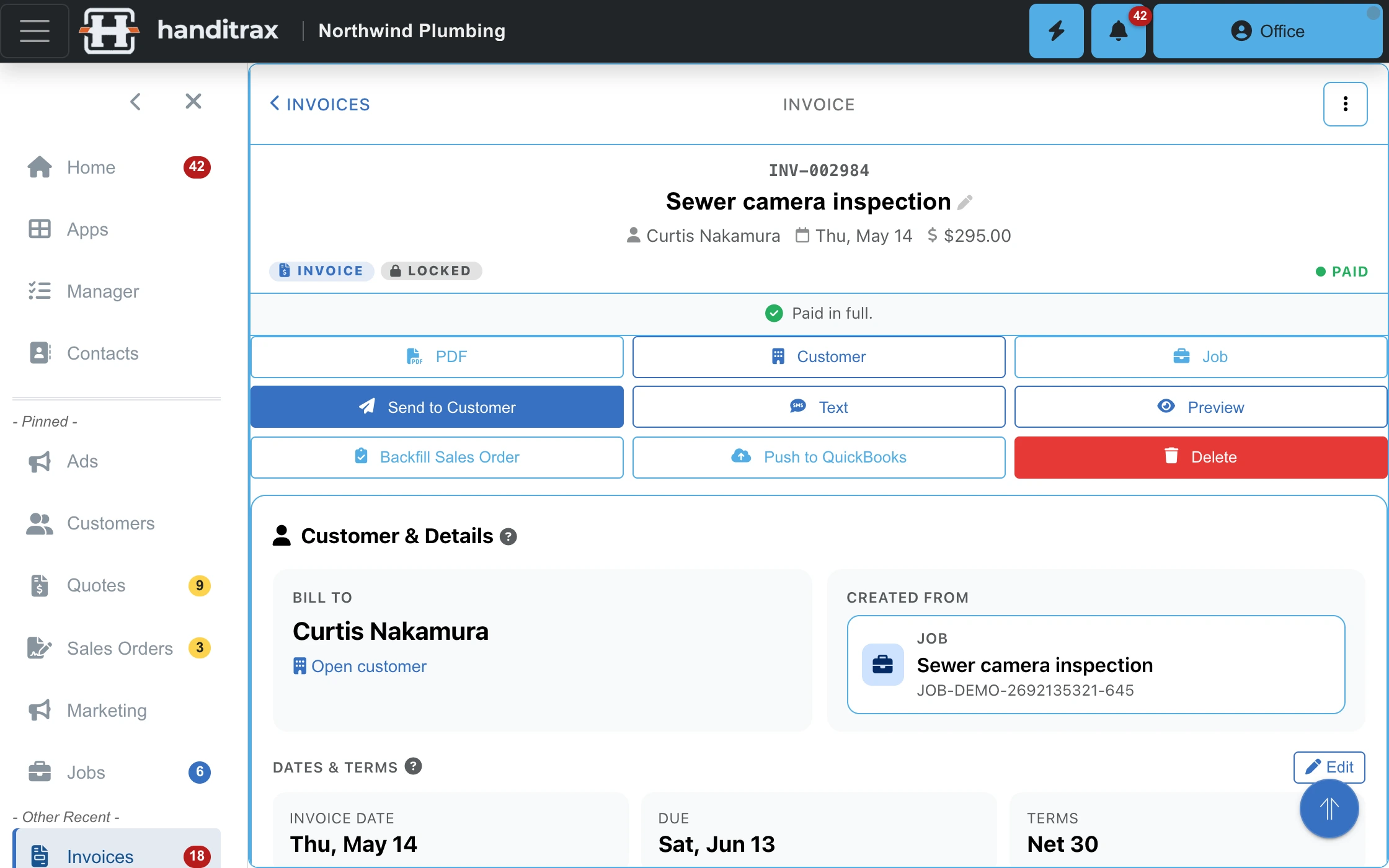
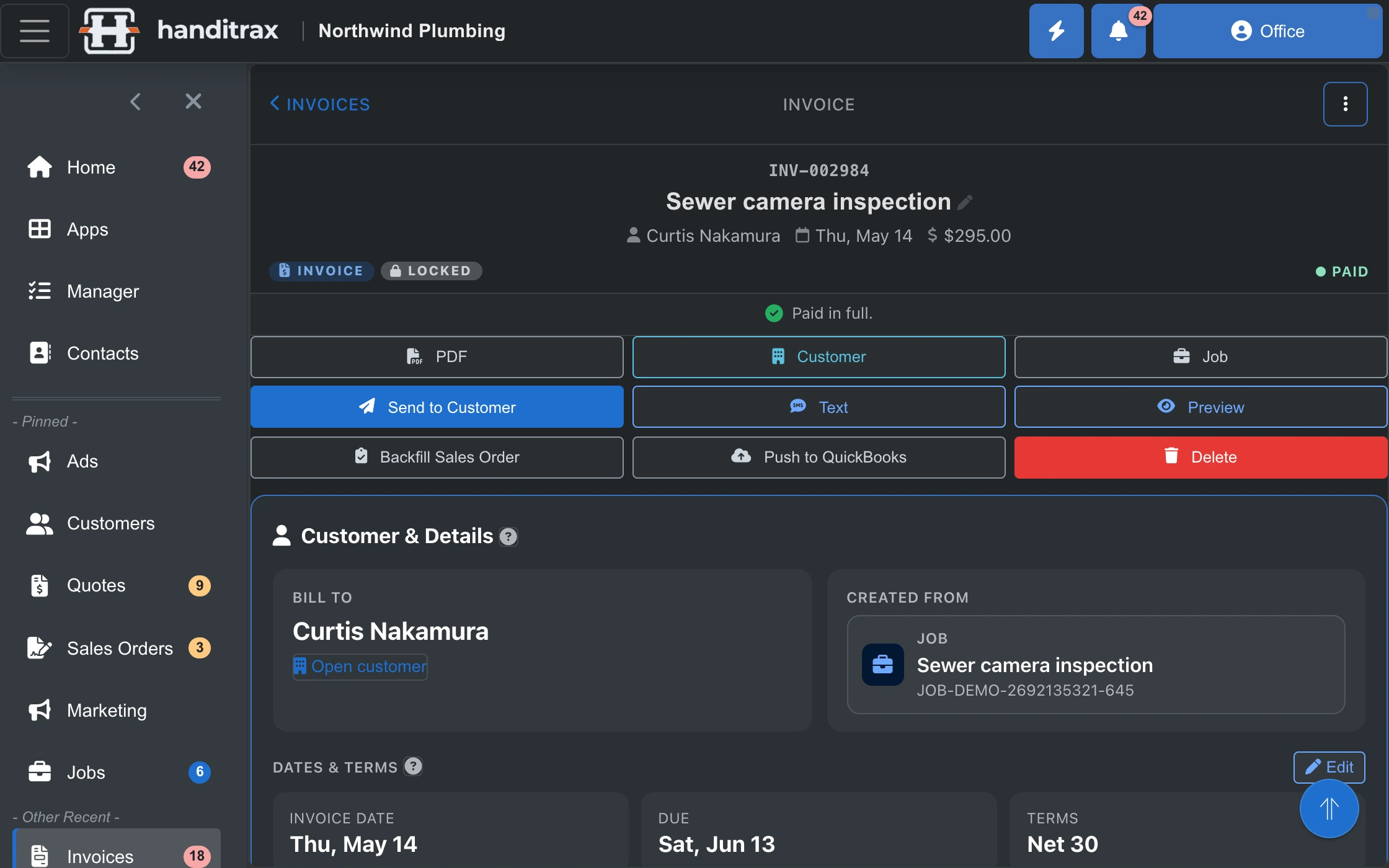
Invoices On every plan
Drafts, sent, paid, overdue — built from the job rather than retyped from it.
Payments, and the 0% part On Full and up
Take a card on site or send a link. Payments run through your own Stripe account at Stripe's rate, billed to you directly. Handitrax takes none of it — we are not in the payments business and we do not want a percentage of your revenue.
Collections On Pro and up
Completed jobs still to invoice, unpaid invoices by age, partial payments, recent paid. The answer to "who do I chase today".
Vendor bills and 1099s On Full and up
What you owe out, against the jobs it was spent on, with 1099 tracking on the vendor side.
QuickBooks Online sync On Full and up
Two ways: customers, items, invoices and payments stay in step with QuickBooks Online, either on demand or automatically on save.
Payouts that match the bank On Full and up
Card payouts land in the bank as one lump, net of fees. Handitrax builds the matching QuickBooks deposit for each one — the right payments, the Stripe fee booked as an expense — so the bank line reconciles to the cent.
Keeping the customer
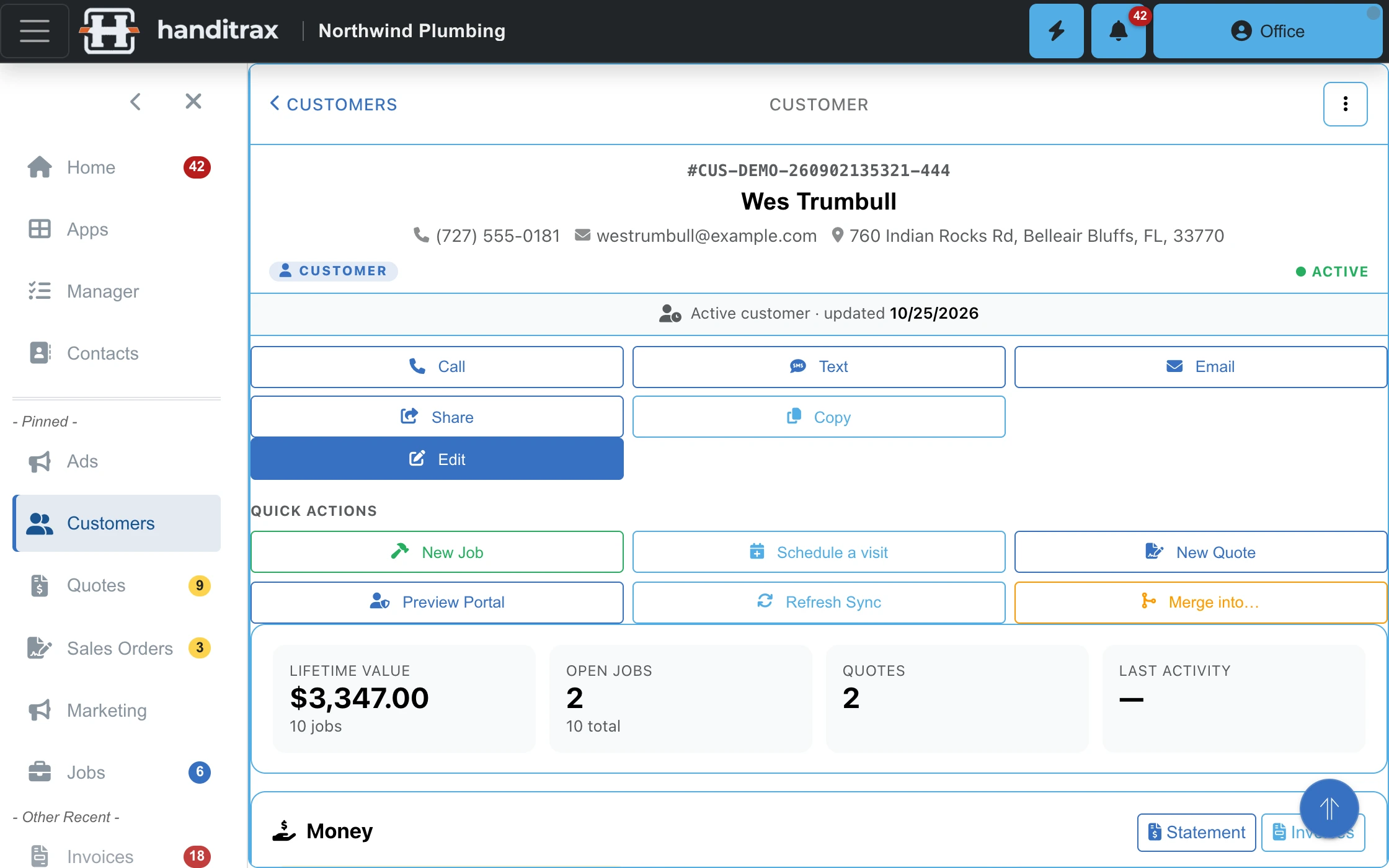
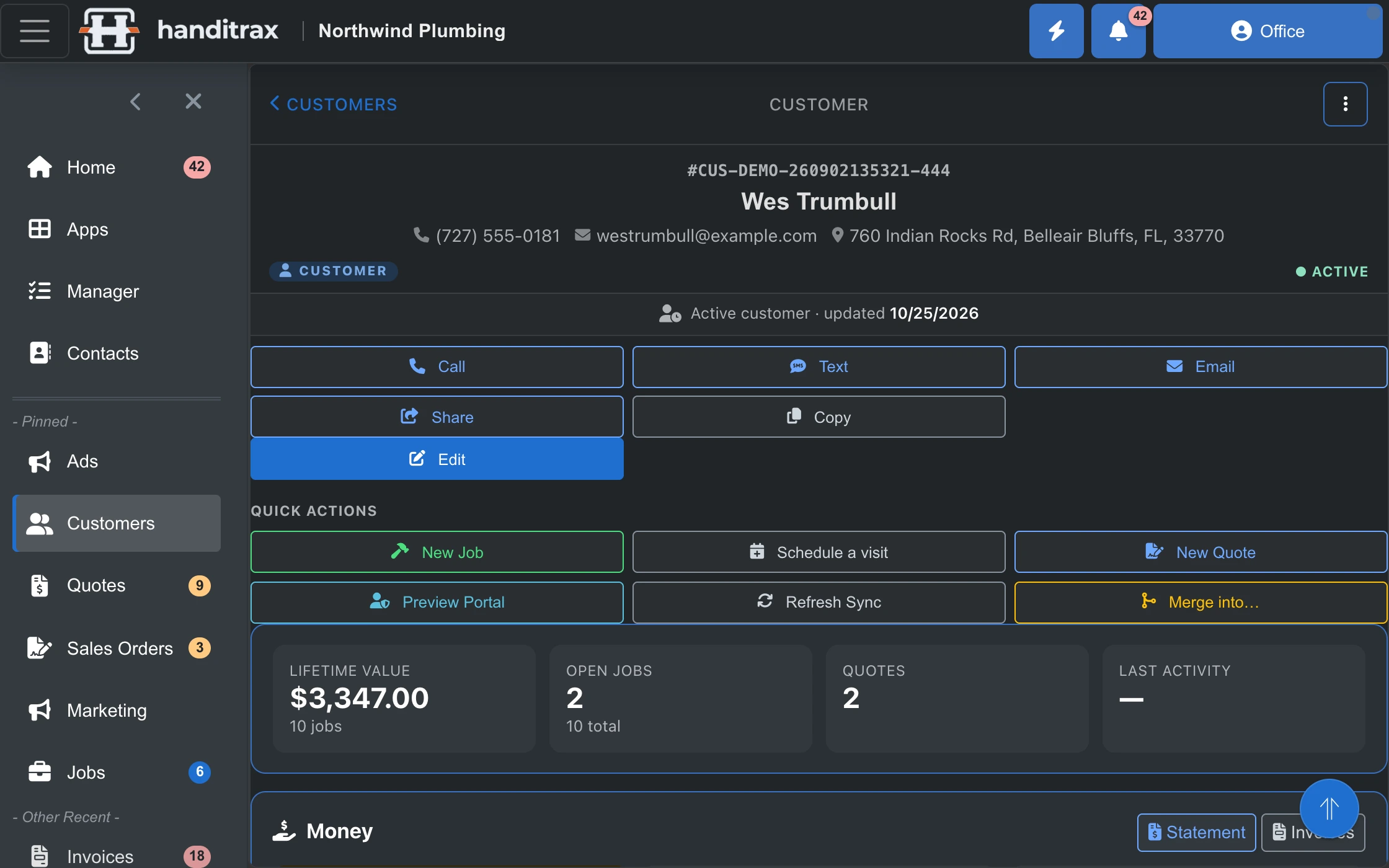
Customer portal On Full and up
Your clients log in and see their own jobs, quotes and invoices — which stops the phone call that starts "can you just resend that". You choose per customer what the portal shows.
Recurring service plans On every plan
Weekly mowing, monthly pool care, quarterly pest — set the plan once and the visits keep coming, each with its price and its crew. Plans fill your route days automatically.
Recurring service reminders On Full and up
Past customers are told when a recurring service is due again — the duct clean, the dryer vent, the annual tune-up. This is the repeat-work engine, and it is the cheapest revenue in a service business.
Reminders are sent by email or text. Handitrax sends texts; it does not receive them, so a reply comes back to your own phone, not into the app.
Review requests On Full and up
Ask for a review automatically after a finished job, while the work is still fresh.
Email signatures On Full and up
One consistent signature across everyone who emails a customer, managed centrally instead of copied around.
In English or in Spanish
A maintained Spanish translation covering more than 95% of the interface, reaching the customer-facing documents too — so a Spanish-speaking homeowner reads their quote and their invoice in Spanish. On every plan, never an upgrade. It is not a browser translate button over an English app.
Your data, always On Full and up
Full export whenever you want it, no contract to exit, no fee to leave. Software you can leave is software worth staying on.
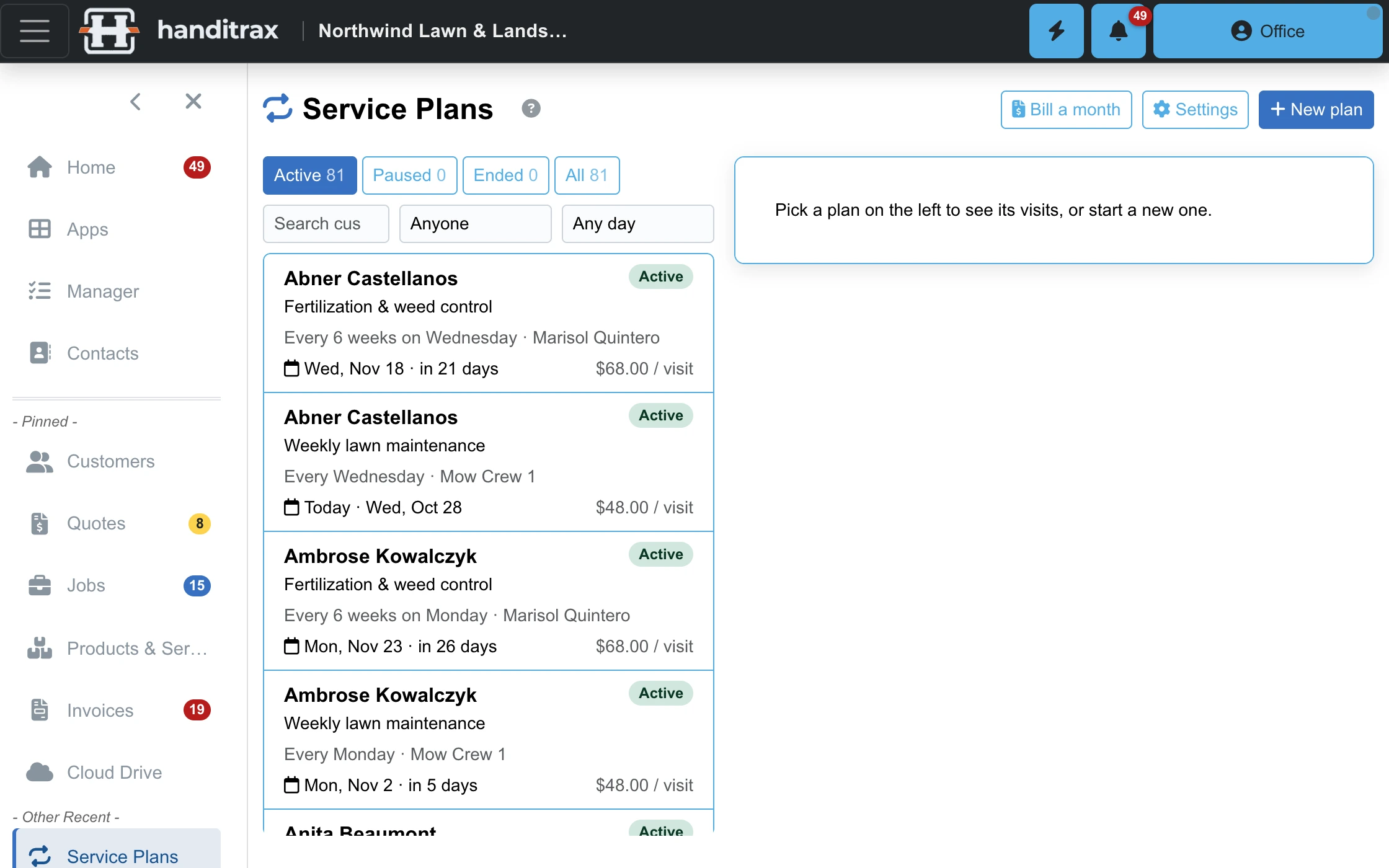
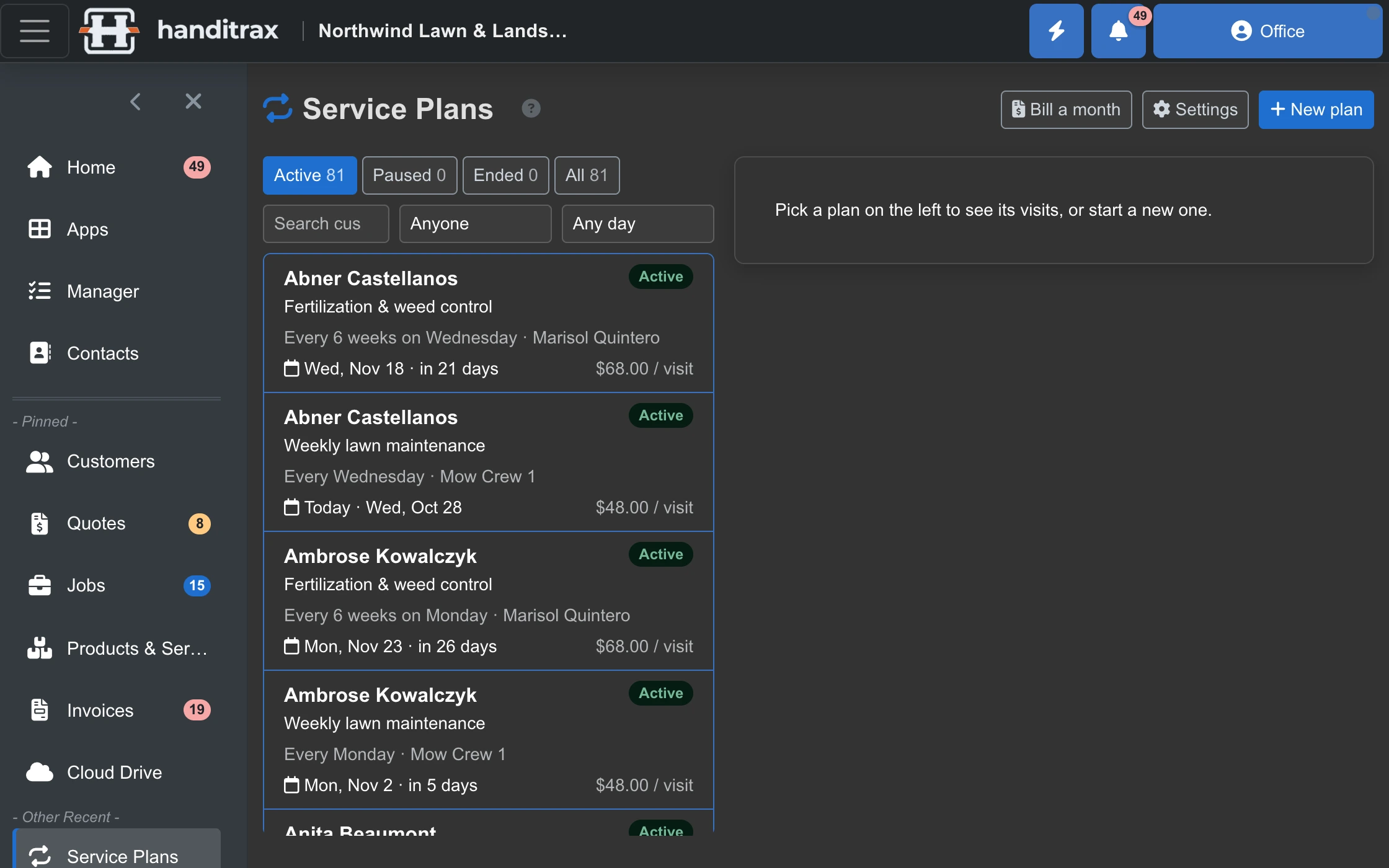
Works with the tools you already use
Calendar and contacts sync On Full and up
Connect Google, Microsoft 365 or iCloud. Each person connects their own calendar and contacts from My Connections, and Google and Microsoft 365 contacts sync both ways.
Your phone system On Full and up
Calls and texts from the phone system you already have land on the customer record automatically.
Ask your business On Pro and up
An assistant inside Handitrax that answers questions about your own jobs, customers, quotes and money — and only shows each person what their role can see.
Connect ChatGPT, Claude, Grok or Cursor
Use the AI app you already have. It signs in as you, with your permissions, and can look things up — and, if you allow it, schedule jobs, log time or draft an invoice. Every change asks you to confirm, and it never contacts a customer.
Knowing where you stand
Manager dashboards On Pro and up
Margin by job, by technician and by month. Who is on the clock, what is unassigned, what got dropped, who owes you.
Map of the day On Pro and up
Today's work on a map, because a route you can see is a route you can fix.
Route days On every plan
For lawn, pool, cleaning and pest: each crew's stops in driving order, with arrival estimates, miles and drive time. Optimize in one tap or drag your own order; promised times stay put. On the job, the crew sees which stop it is, when they should be there, the work they do every visit — mow, edge, blow — and Done, next stop.
Rain days On every plan
The forecast on the route. When rain is coming, move the day, push the rest of the week back, or skip this cut — for every outdoor stop at once — then send the affected customers a rain notice if you choose to.
Sales dashboard On Full and up
Quoted, won, lost and what is still open — billed against collected, month by month.
Everything, by plan
Generated from what the running product ships — not from a brochure. If something is not on this list, we do not sell it.
Lite —$79per month, unlimited users
14 apps
- Calendar
- Cloud drive
- Contacts
- Customers
- Employee records
- Invoicing
- Jobs
- Messages
- Products & services
- Quotes & estimates
- Recurring service plans
- Route days (stop order, arrival estimates)
- Shopping list
- User management
Capabilities that switch on here:
- Edit jobs— Change a job — its rates, schedule, lines and notes. Without it a job can still be opened and read.
- See job costs— What the work costs you, as opposed to what it sells for.
Full —$179per month, unlimited users
Everything in Lite, plus 19 more apps
- Accounting reference data
- Ad campaigns
- Card & ACH payments
- Card payouts matched to QuickBooks deposits
- Customer portal
- Email signatures
- Field mode for techs
- Import & export your data
- Leads
- Online booking
- Price book manager
- Property history
- Reminders & tasks
- Sales dashboard
- Sales orders
- Scheduling board
- Service reminders & win-back
- Vendor bills
- Vendors
Capabilities that switch on here:
- Appointment reminders— Customers are reminded before an appointment, with confirm and reschedule links.
- Customer portal control— Choose per customer what the portal shows — booking, jobs, quotes, invoices, statements.
- External calendar sync— Your outside calendar and this one stay in step. Without it the schedule here is local only.
- Marketing campaigns— Find customers who have gone quiet and run a win-back campaign at them.
- Microsoft 365 sync— Two-way contact and calendar sync with Microsoft 365.
- Phone system integration— Calls and texts from your phone system land on the customer record automatically. Requires your own supported phone system — the texts arrive there, not in Handitrax. Handitrax itself sends texts and does not receive them.
- QuickBooks auto-sync— Push to QuickBooks automatically on save, instead of pressing a button each time.
- QuickBooks sync— Push and pull customers, items, invoices and payments to QuickBooks. Without it the books are kept by hand.
- Recurring service reminders— Past customers are told when a recurring service is due again — the repeat-work engine.
- Revenue reporting— Billed versus collected by month, AR aging, top customers, days to pay.
- Review requests— Ask for a review automatically after a finished job.
- Send from your own domain— Email goes out as you, not as the platform — better deliverability and it looks like your business.
- Signature governance— Audit trail, retention rules and tamper evidence on signed documents.
- Text messaging— Send texts to customers from the app.
Pro —$349per month, unlimited users
Everything in Full, plus 17 more apps
- AI assistant
- Approvals
- Ask your business (AI chat)
- Collections & chasing
- Company activity feed
- Crews
- Dispatch
- Inventory & truck stock
- Jobs pipeline
- Manager dashboard
- Map view
- Mileage tracking
- Reports & margin
- Team
- Time clock
- Time tracking
- Weather on the schedule
Capabilities that switch on here:
- AI pricing— Lets the AI work out and write up cost on quotes and jobs.
- AI quote intake— Turn a pasted email, an inspection PDF or a spreadsheet into draft quote lines.
- Capacity & utilisation— Whether the people you have can absorb the work you have booked.
- Remove "Powered by"— Your customer portal and shared links carry only your brand — no "Powered by" line.
See it with your trade already in it
11 trades ship with their own catalogue and price bands, so a demo starts with your kind of work on screen.