Field service software for the trades
Stop doing the paperwork at night.
You fix things all day. You shouldn't spend the evening writing invoices and wondering who still owes you. Handitrax puts the quote, the job, the photos and the bill in one place, so the invoice is built while you work and the customer can pay before you leave.
See who owes you, oldest first, and every finished job nobody billed. Rain coming? Move every outdoor stop at once. Your crew can run it in Spanish while the office runs it in English, and on Full and Pro, QuickBooks stays matched to the bank.
Start free trialBook a demoSee it work
14 days free with everything in Full — no card needed. No contract. Card payments run through your own Stripe account — we take 0% of them.
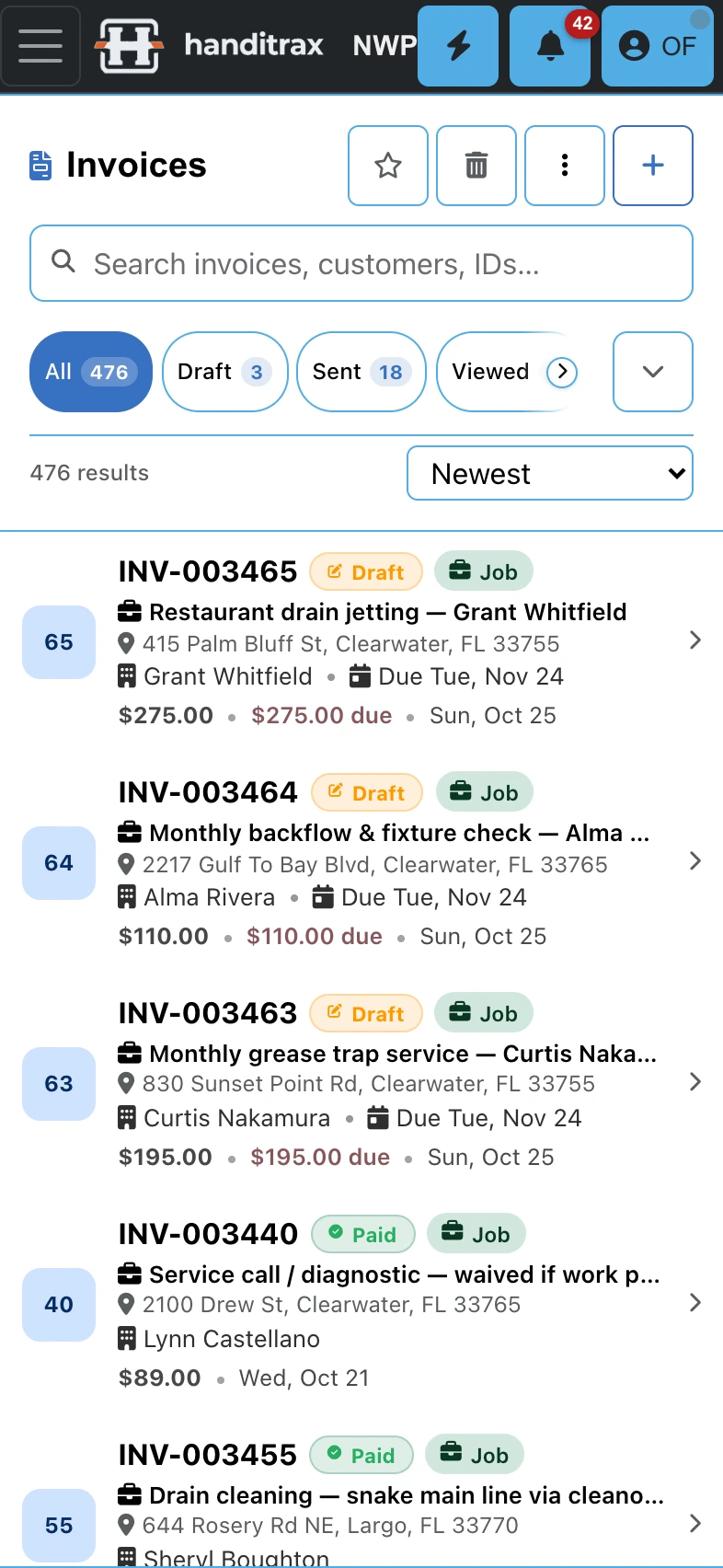
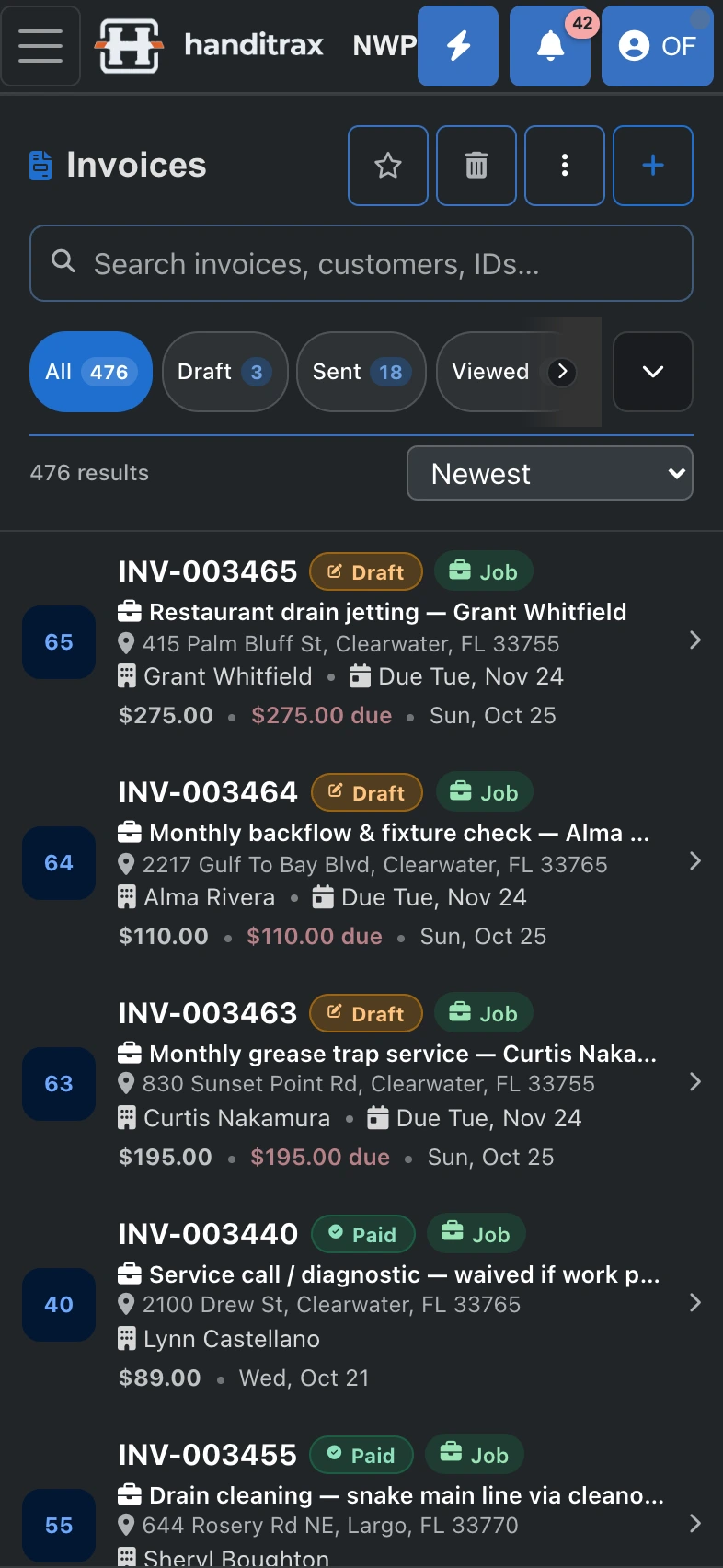
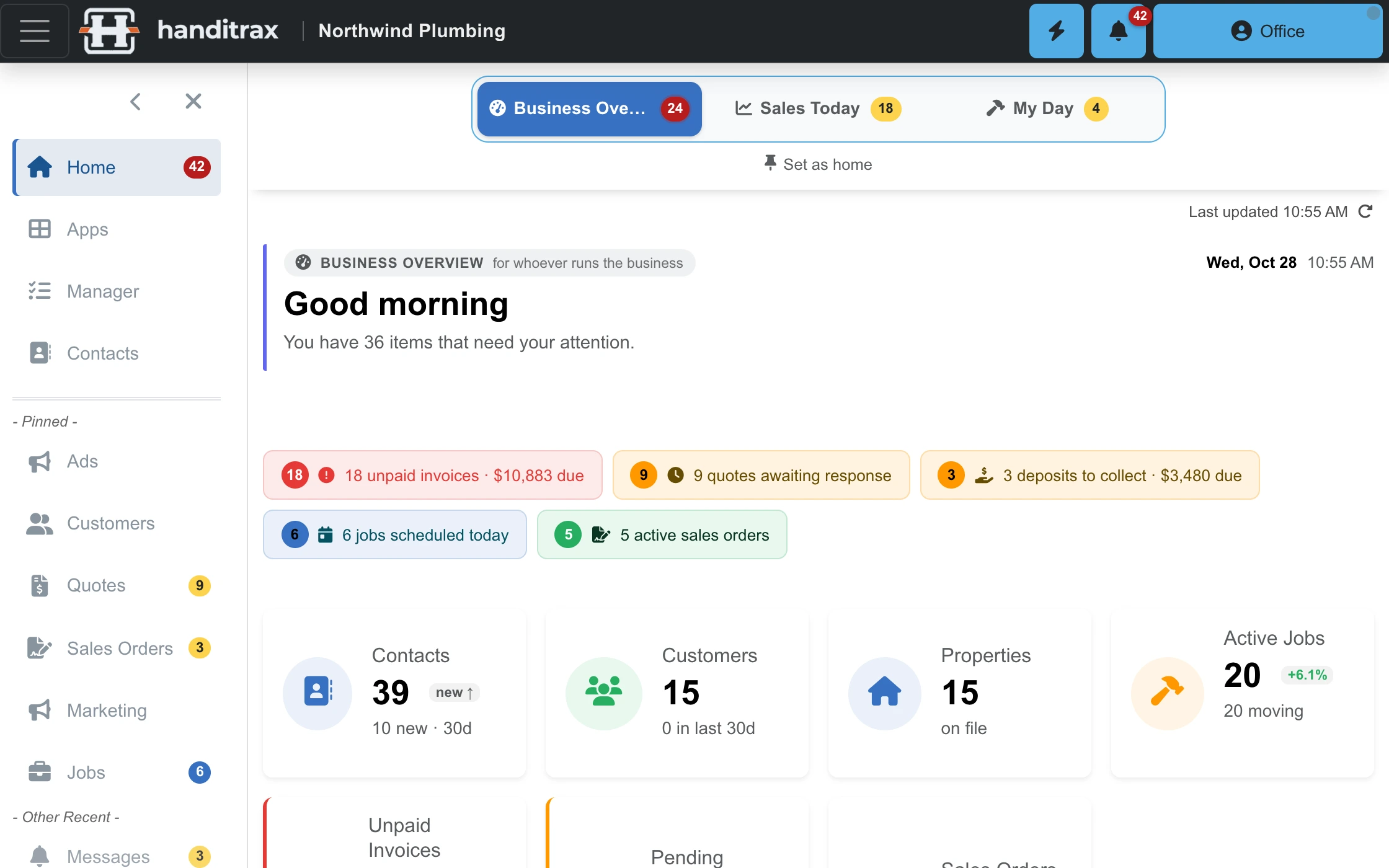
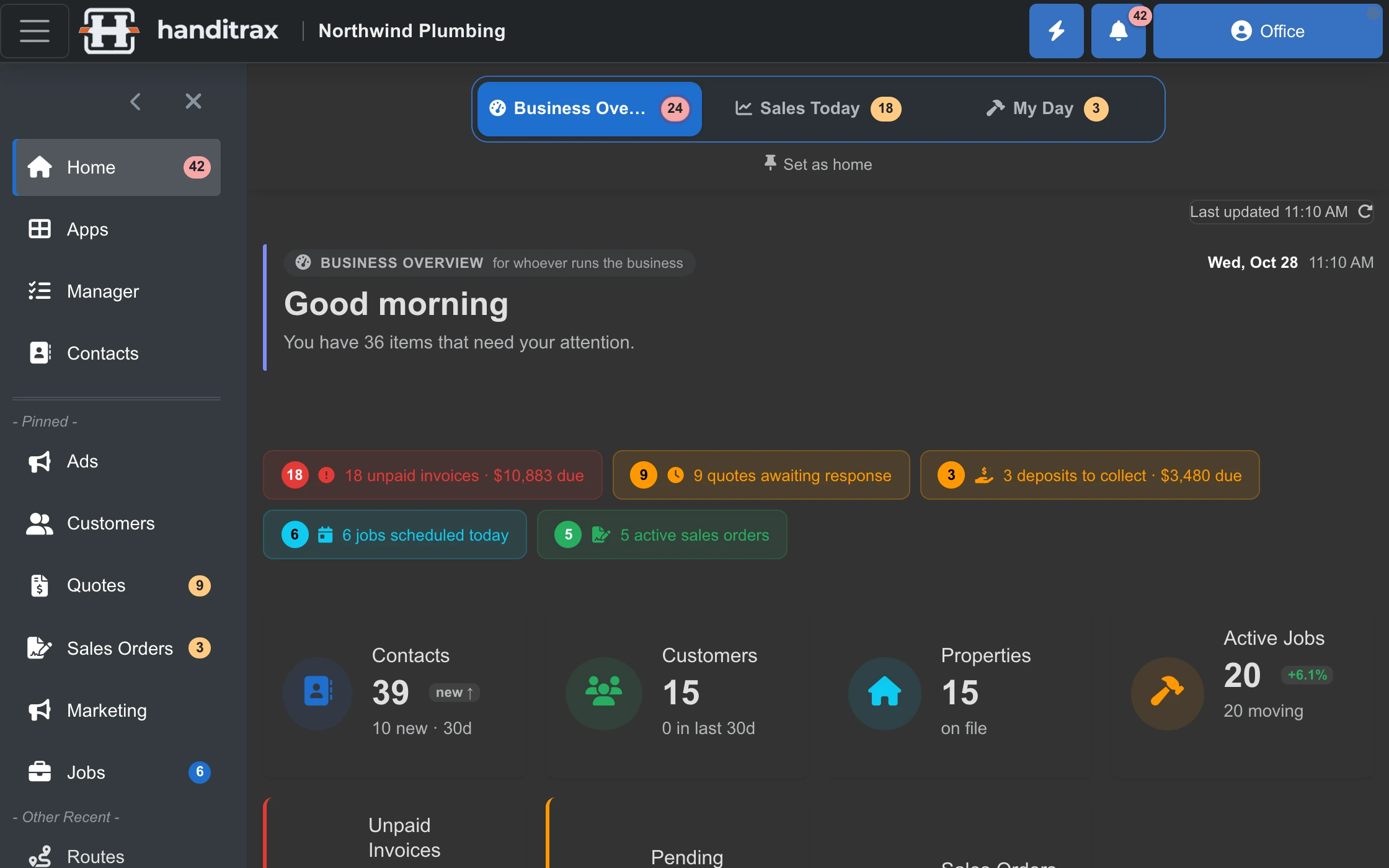
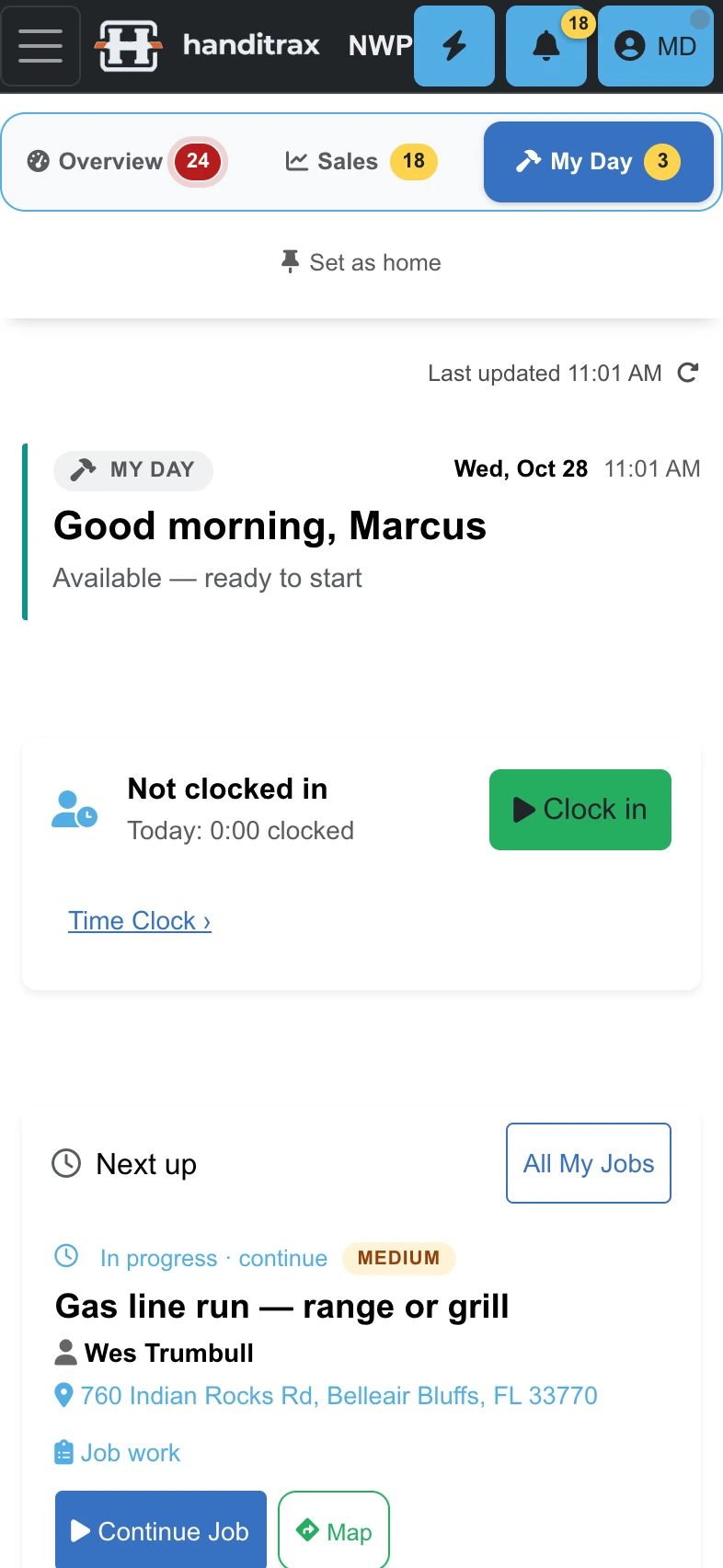
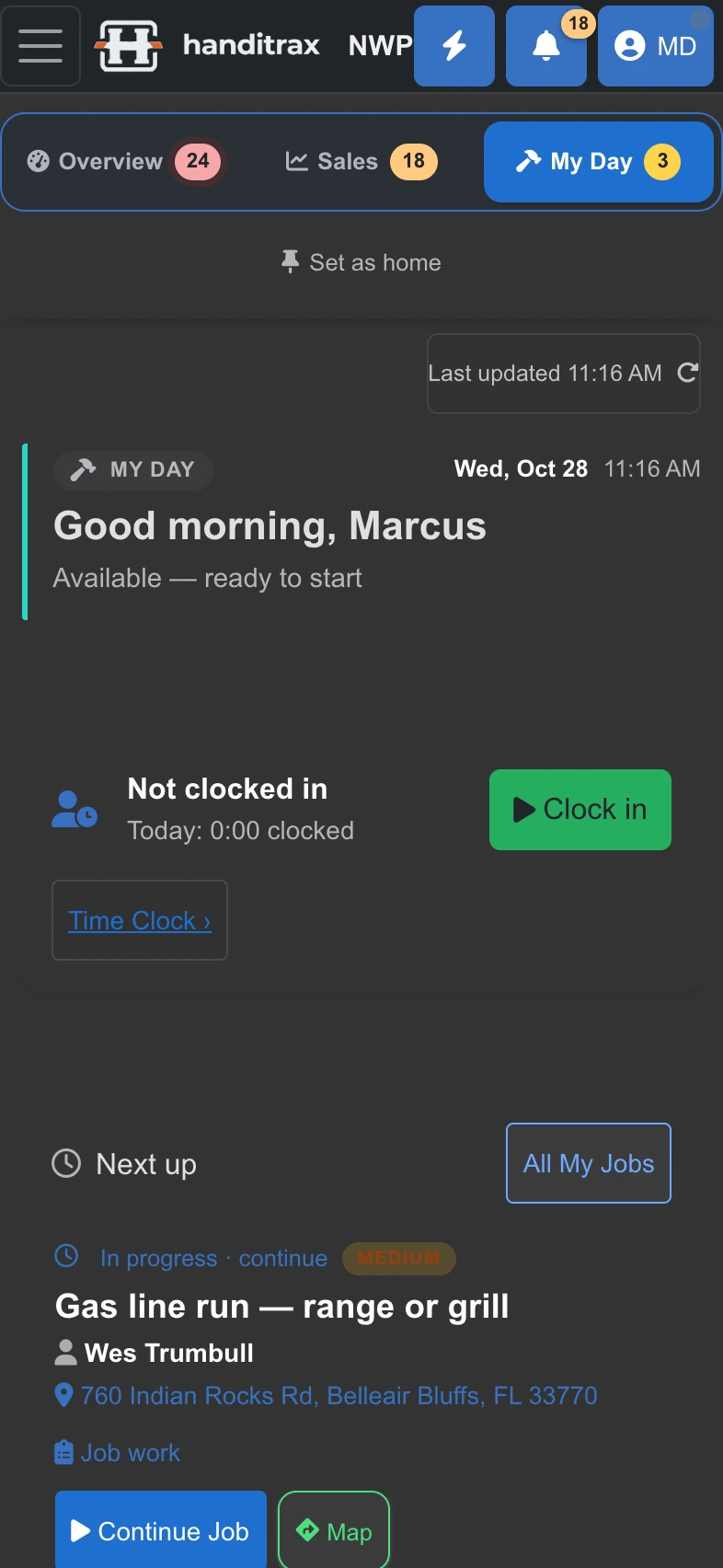
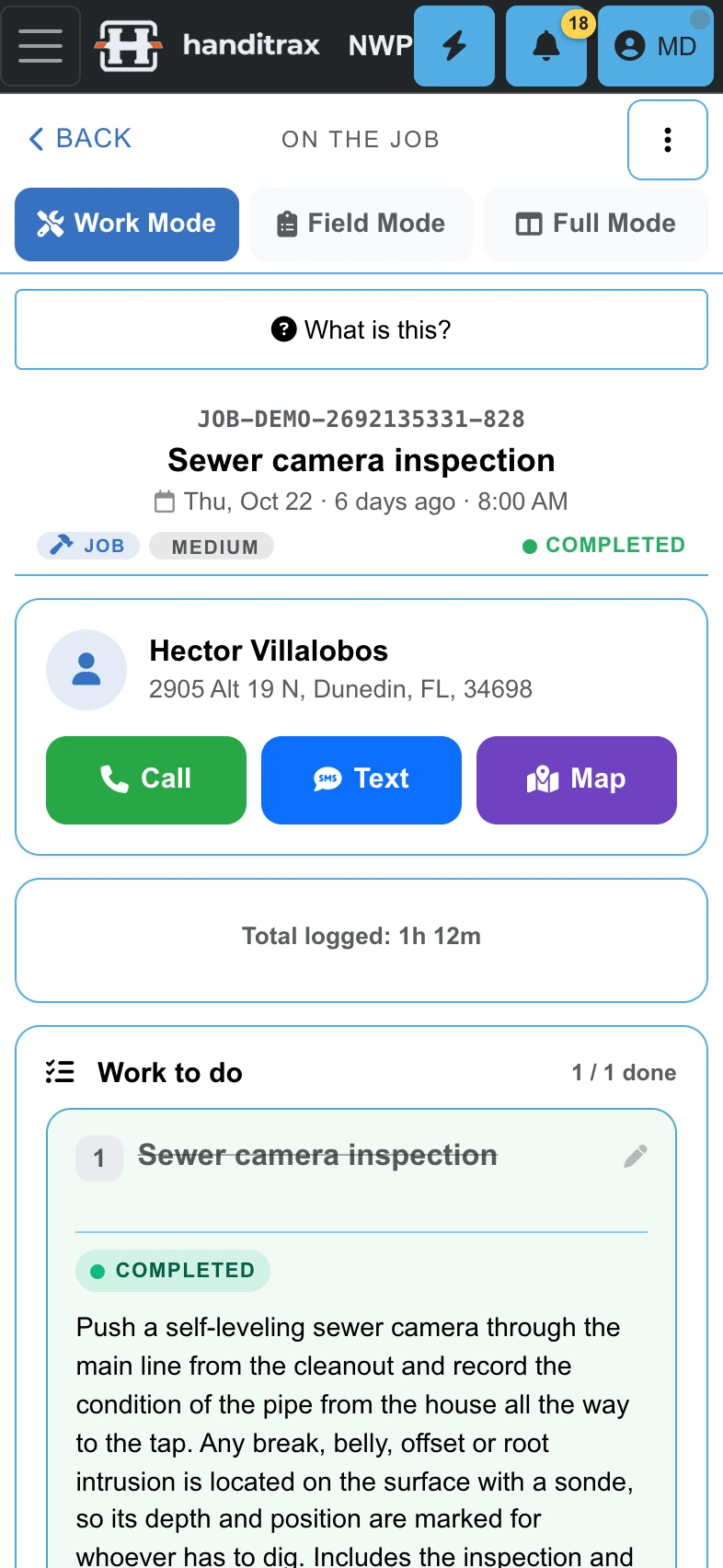
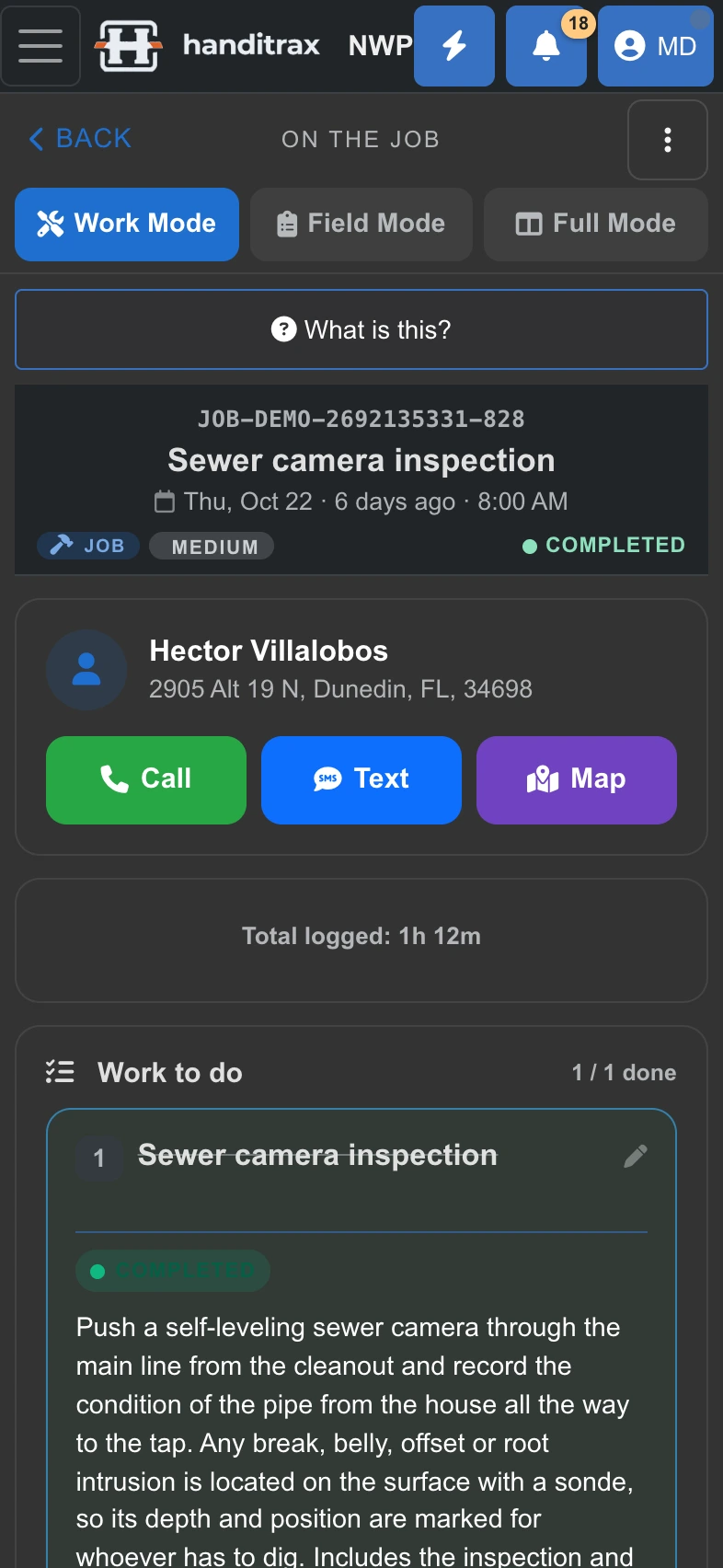
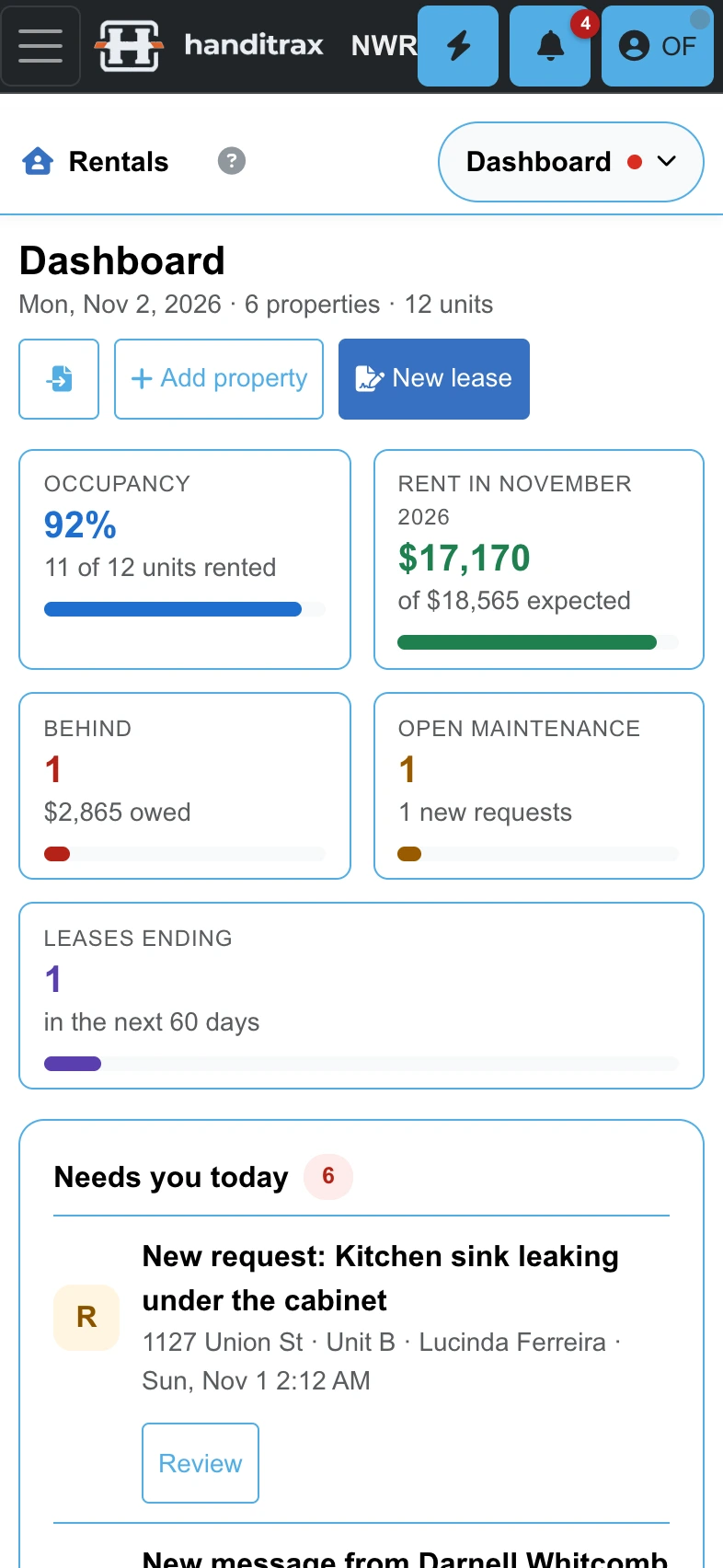
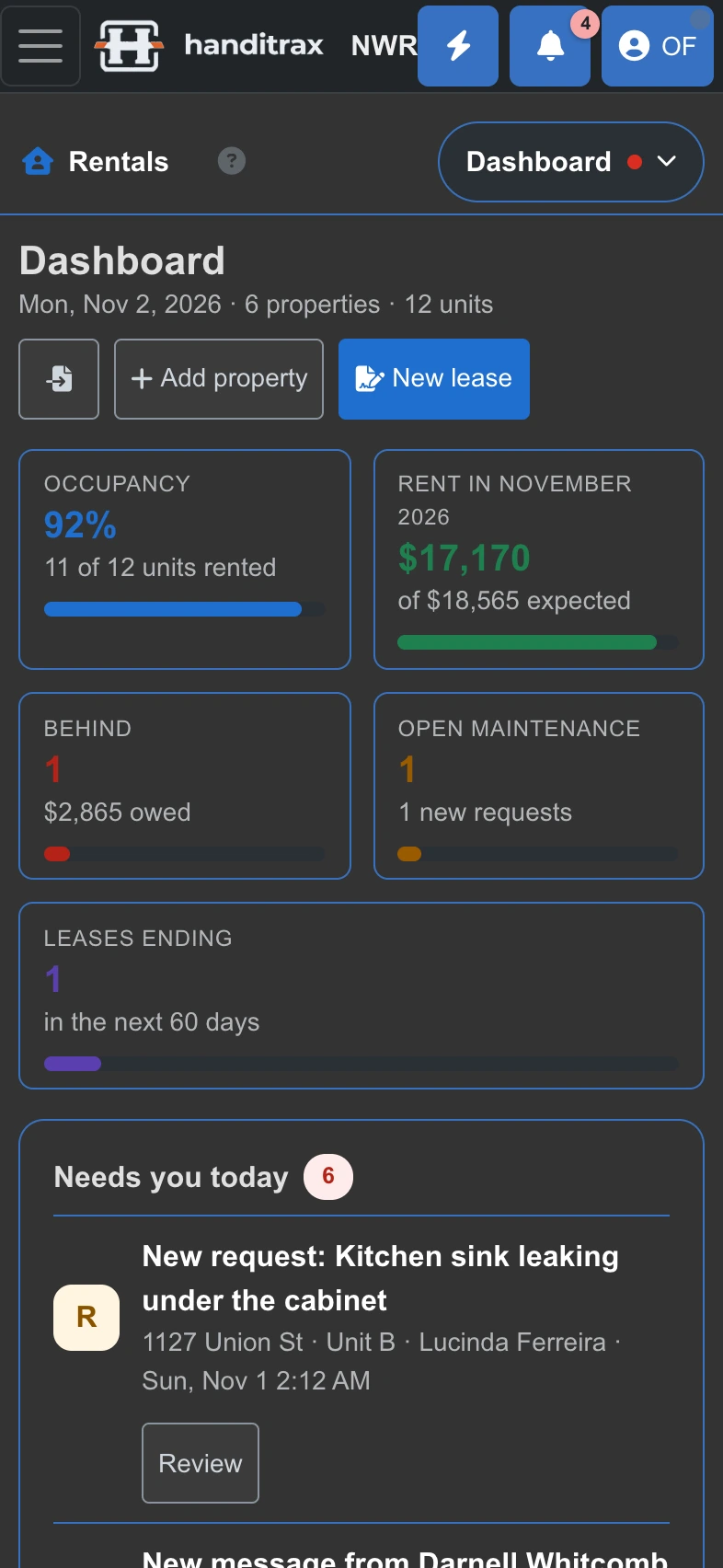
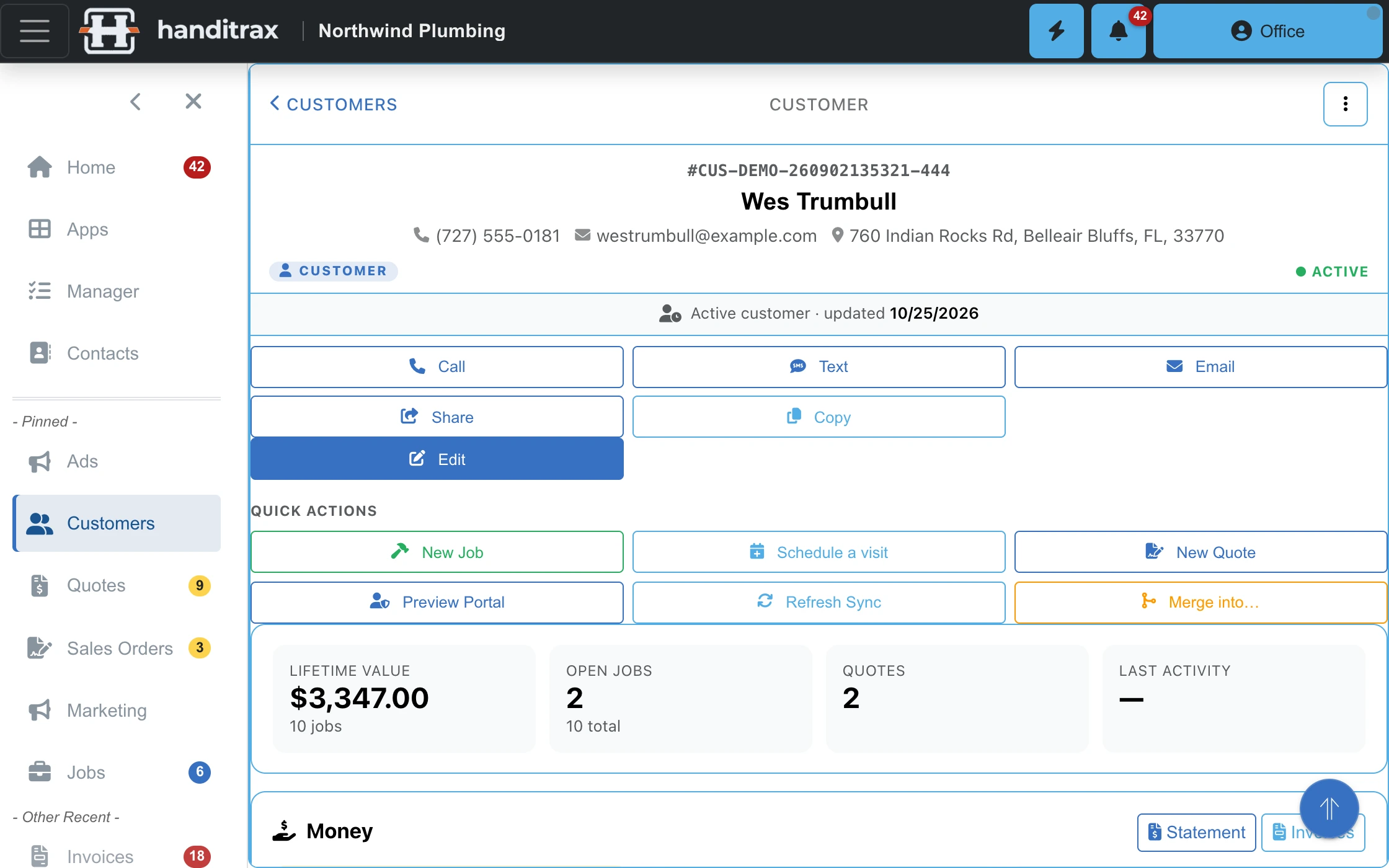
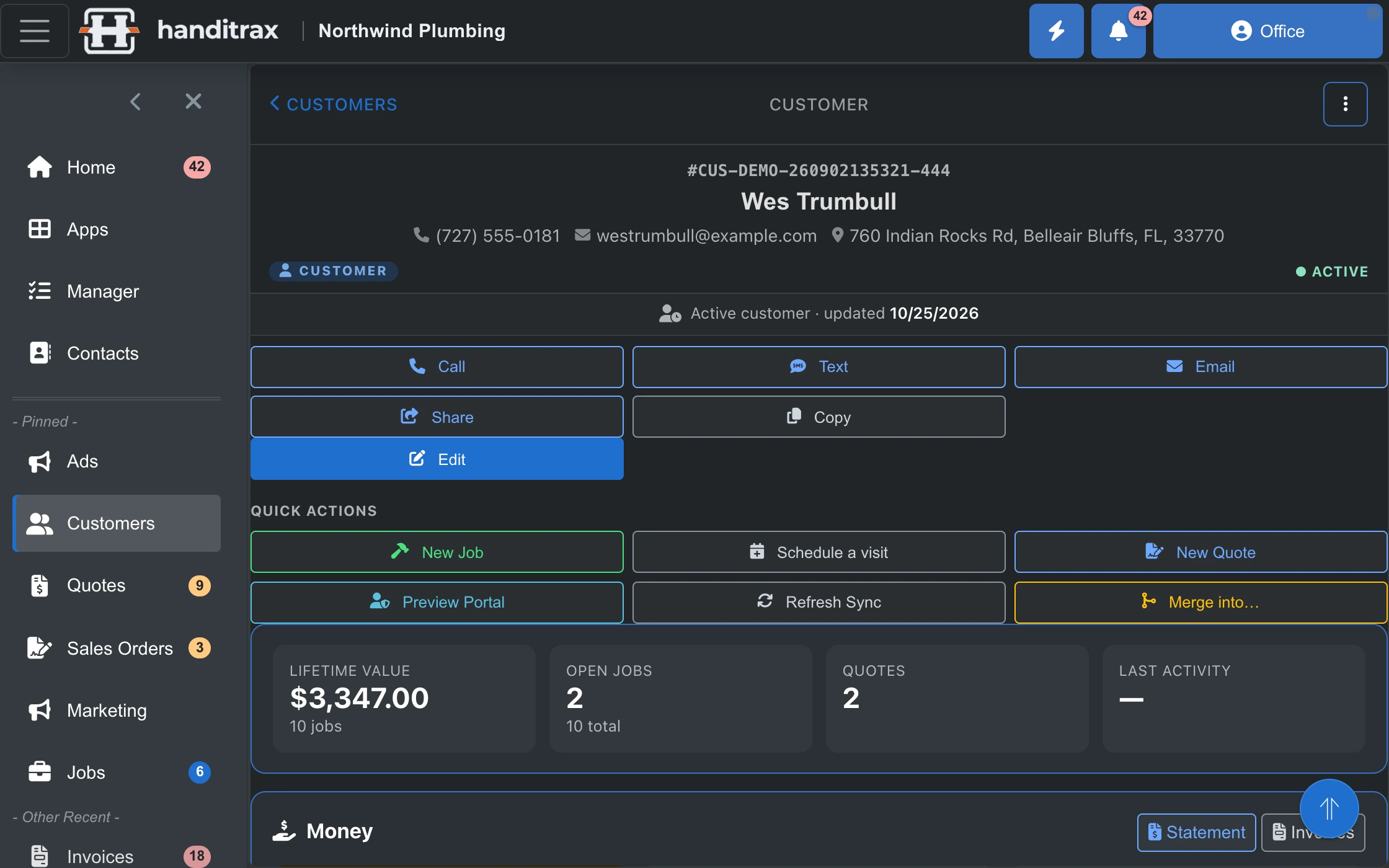
Real Handitrax screens. Northwind Plumbing is a made-up sample company — every name and number on these screens is demo data.
- Unlimited users
- 0% of your card payments
- English and Spanish
- iPhone app
- No contract
Why Handitrax
Built around your kind of work, and around your customer
Your kind of work
Route crews, service calls, install work and property services each get the part of Handitrax built for them. Then make it yours: your logo and colours, your numbering, your terms, the roles your people have and the parts you use.
Your customer's side, with your name on it
Quotes they accept from their phone, a pay page that shows the work and the photos before they call to ask, every way to pay, and a portal of their own. Your logo is on every page, email and PDF they get.
The money doesn't slip
Deposits that get collected, finished jobs that get billed, and card payouts that land in QuickBooks to the cent. And no cut of your card payments.
Built for how your trade works
Your trade. One app that knows the difference.
A lawn crew, a plumber, a glass shop and a property service company do not run their day the same way. Handitrax does not make them.
Route crews
Lawn and landscaping · Pool · Cleaning · Pest control · Irrigation
- Each crew's stops in driving order, with arrival times and miles
- The crew sees its own stop list on My Day, stop by stop
- Rain coming? Move the day, push the week or skip the cut for every outdoor stop at once
- Then send the affected customers a rain notice, only if you choose to
Service calls
Plumbing · HVAC · Handyman · Duct cleaning
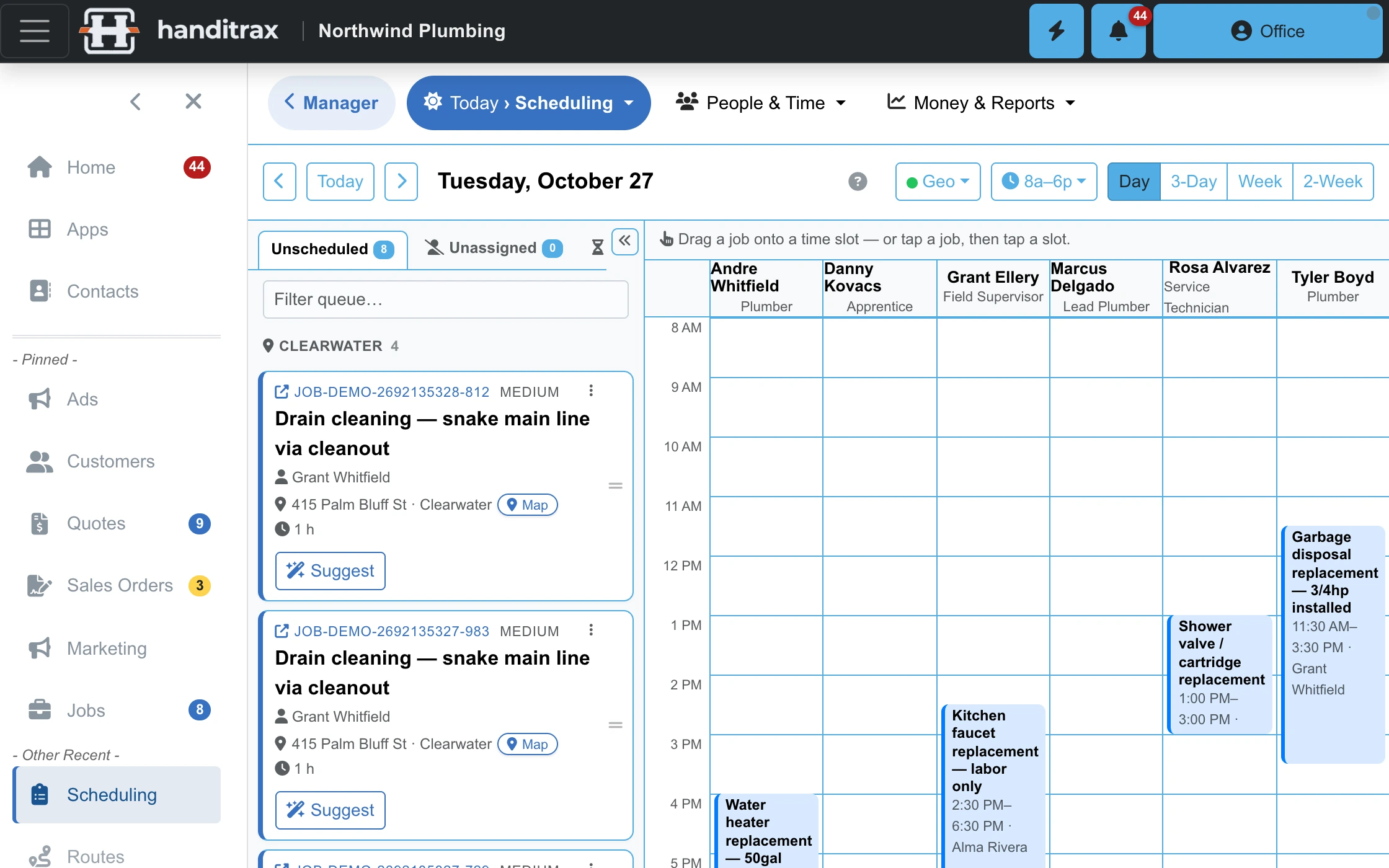
- Drag the day's calls onto your techs on the scheduling board
- An accepted quote becomes a sales order with the deposit request ready to send
- Job costing that shows what each job really made
- Service-due reminders for the tune-up, the duct clean and the dryer vent
Install work
Glazing · Windows and doors · Epoxy and coatings
- Measure with the iPhone camera, and the size goes into the quote line
- Square feet and linear feet on the line, so the customer sees what they are paying for
- Quote, deposit and install on one thread
- Planned materials against what you actually bought
Property services
Property management · Home watch · Rental maintenance
- Every property keeps its own history and its people: owner, tenant, manager
- The owner is billed, and the tenant gets the appointment
- Home watch and sitting plans, with a visit report and photos for the owner
- Tenants get their own portal login, with no prices in it
Also for your rentals
Own a few rentals too? Run them in the same app.
Plenty of service owners have rentals on the side. Switch on the Rentals module and rent posts itself on the due day, tenants send repair requests with photos, and one tap turns a request into a job for your own crew.
- See who has paid and who is behind, at a glance
- A tenant portal for balances, messages and renewals
- Profit and loss per property, Schedule E and 1099s
- No limit on units or users, on every plan
How it works
One thread from the phone call to the money
Most shops run four disconnected tools and retype the same job into each one. Here the job is one record that grows.
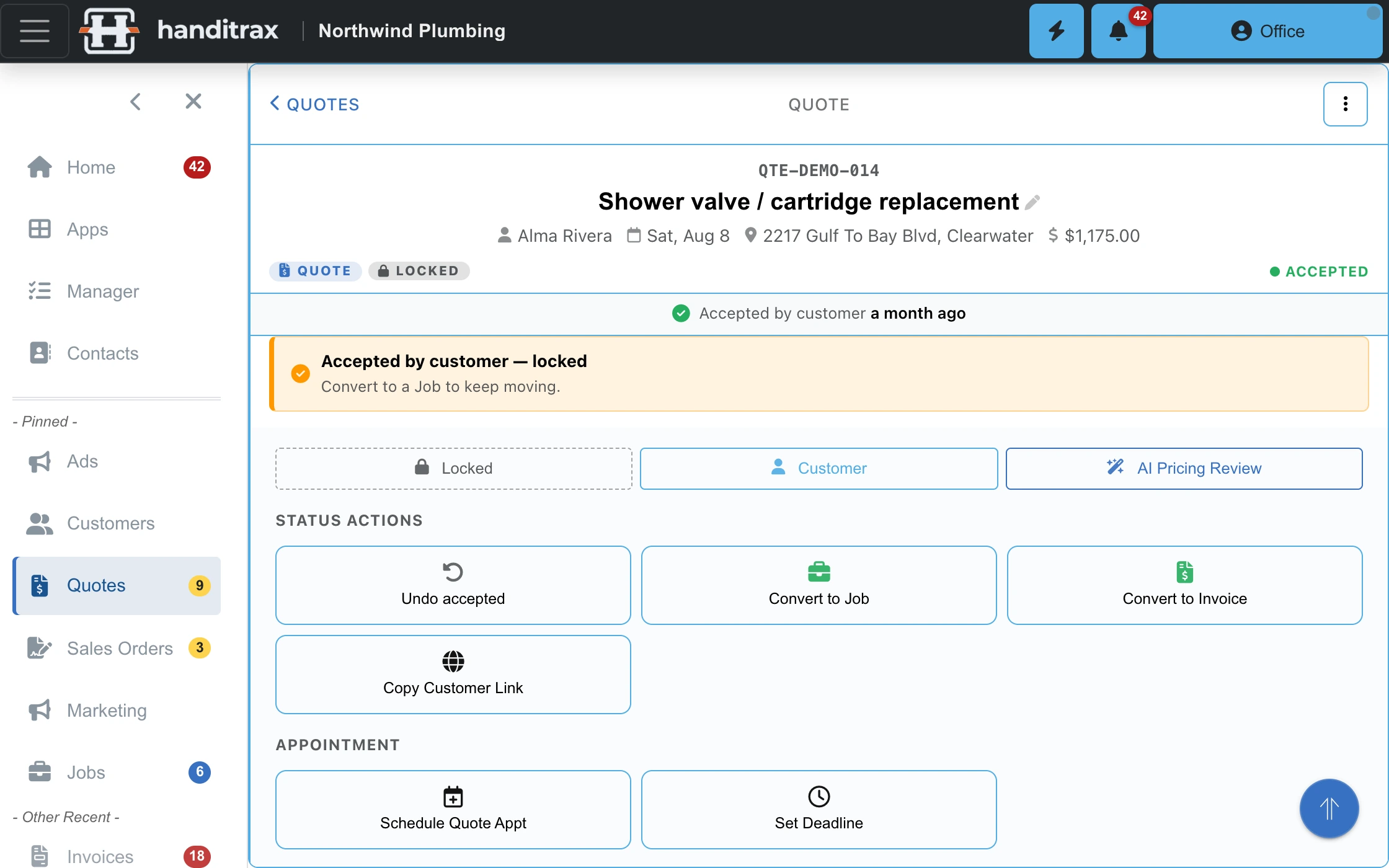
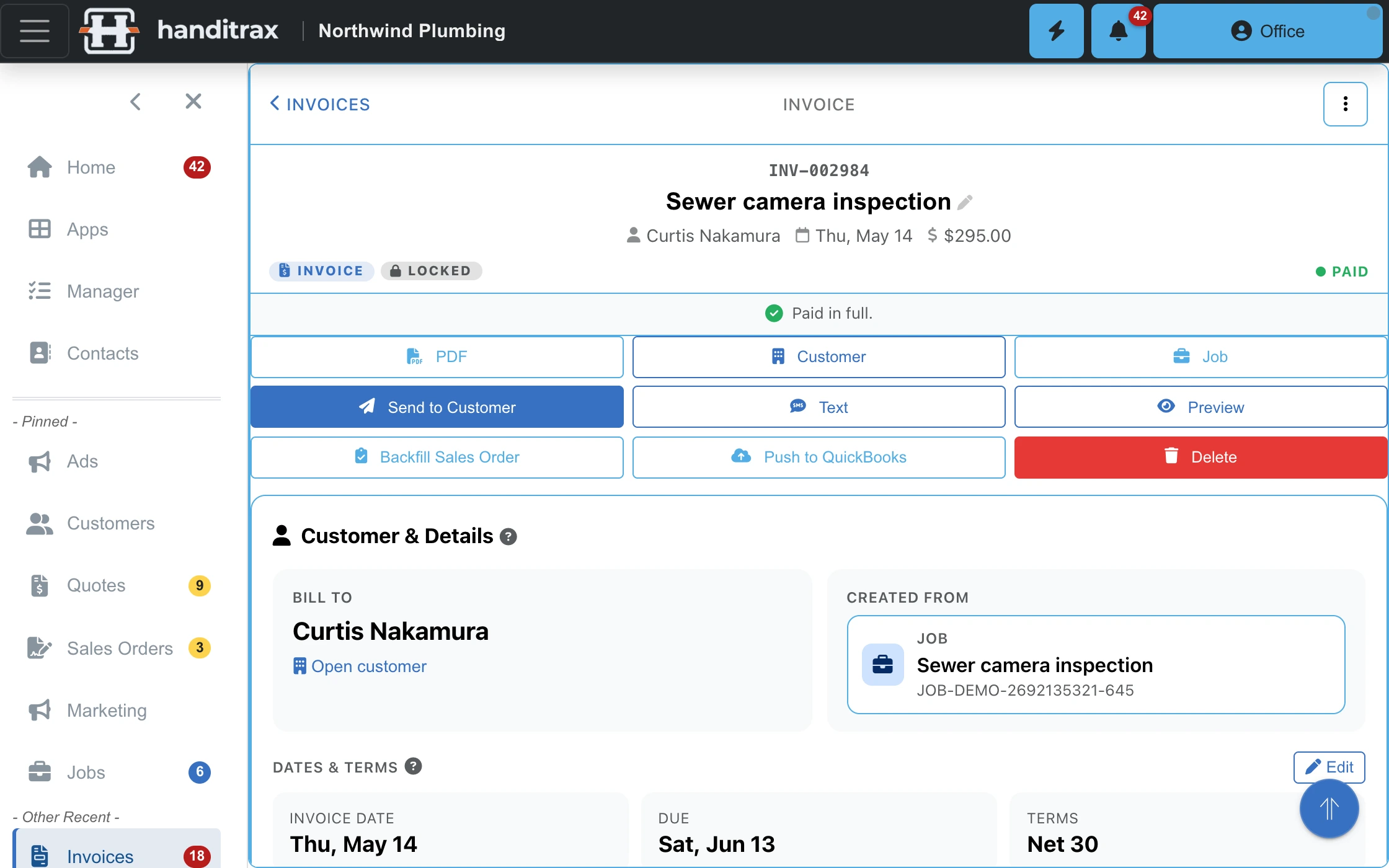
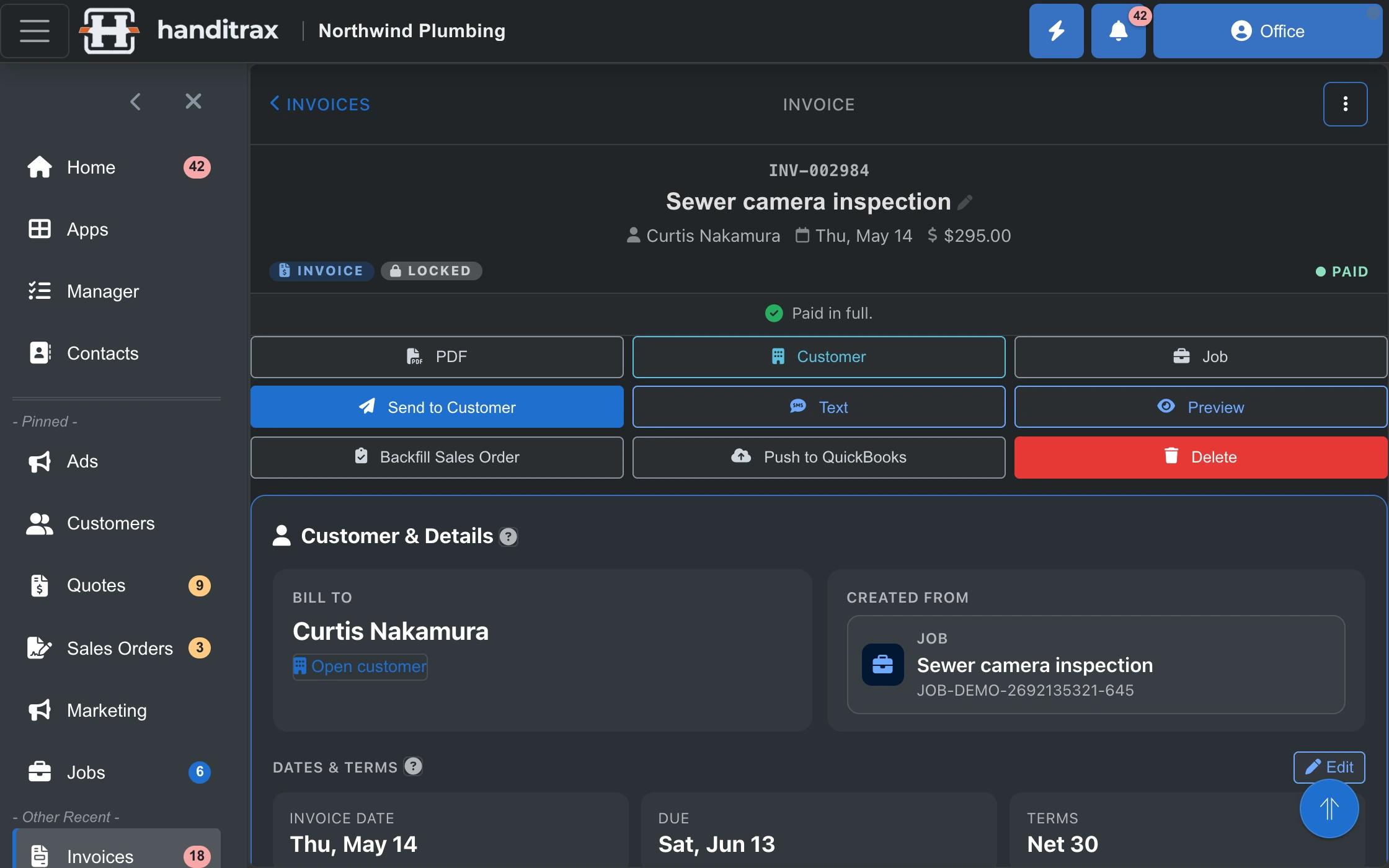
Your customer's side
Let them say yes, and pay, the way they like
Every page your customer sees carries your logo and colours, from the quote to the receipt.
Quotes they accept from their phone
The lines with photos and notes, the deposit due, the terms and a PDF. They tap Accept, and you hear about it straight away.
A pay page that answers the question
"What is this for?" is answered before they call: your note, the work, the photos and the address. Then every way to pay: card, bank transfer, Venmo, Zelle, Cash App, cash or check.
Their own portal On every plan
Their visits, quotes, invoices and photos in one place. They can ask for work, move a visit or pay, and they sign in with a link or a texted code, no password needed.
You choose which ways to pay you offer. Card payments go to your own Stripe account, and Handitrax takes none of it. Your customer can switch their portal to Spanish.
In the office
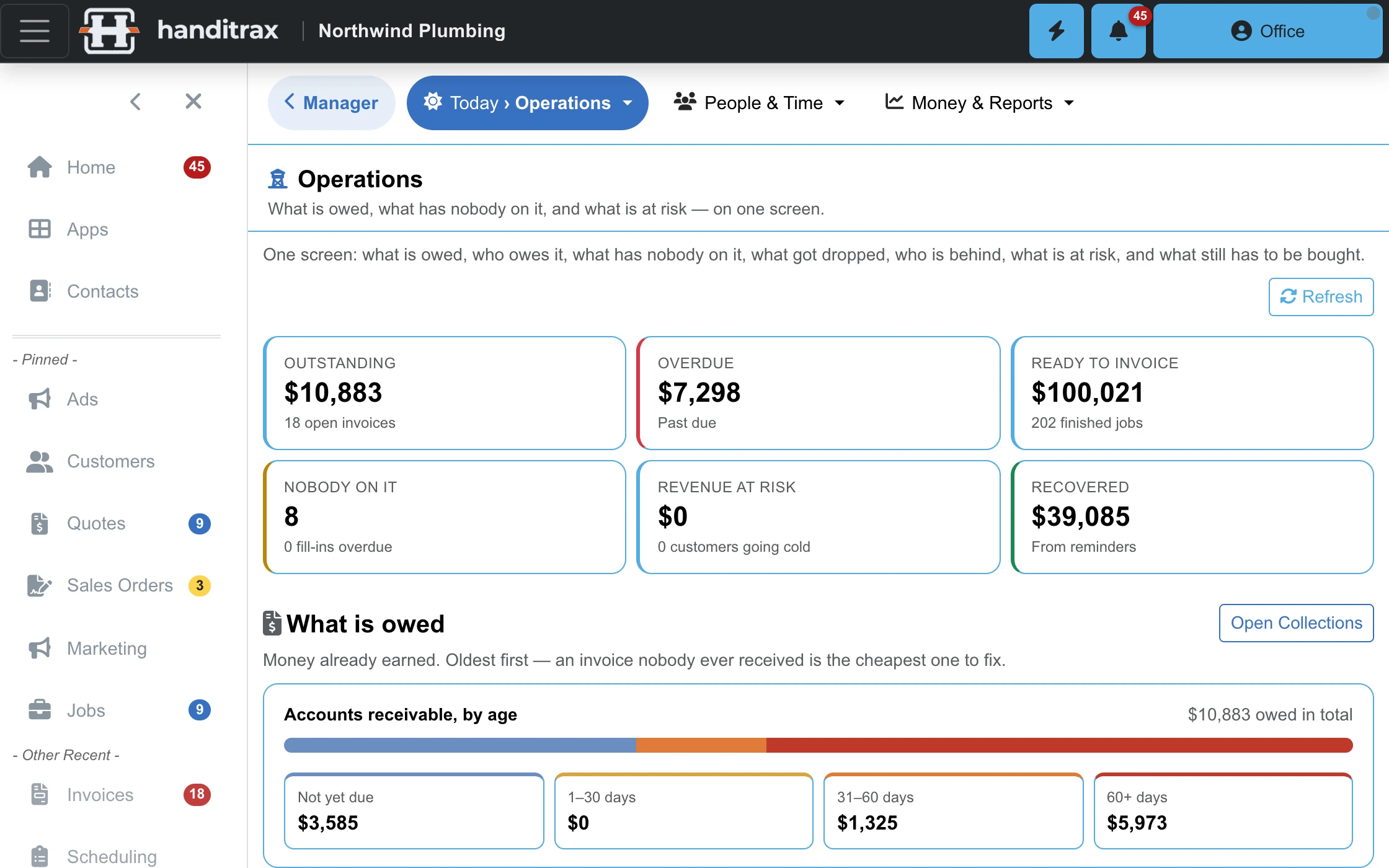
Know where every dollar is, on one screen
What is owed and by whom. What is overdue. What is finished but not invoiced. Which work has nobody on it. The questions you answer at tax time, answered on the day.
- Receivables by age, oldest first — the cheapest invoice to collect is the newest one
- Finished jobs that were never invoiced, listed so they can be
- Deposits that stay on your list until they are collected
- Two-way QuickBooks Online sync for customers, invoices and payments
- Every card payout matched to its QuickBooks deposit, fees and all — the bank line reconciles to the cent
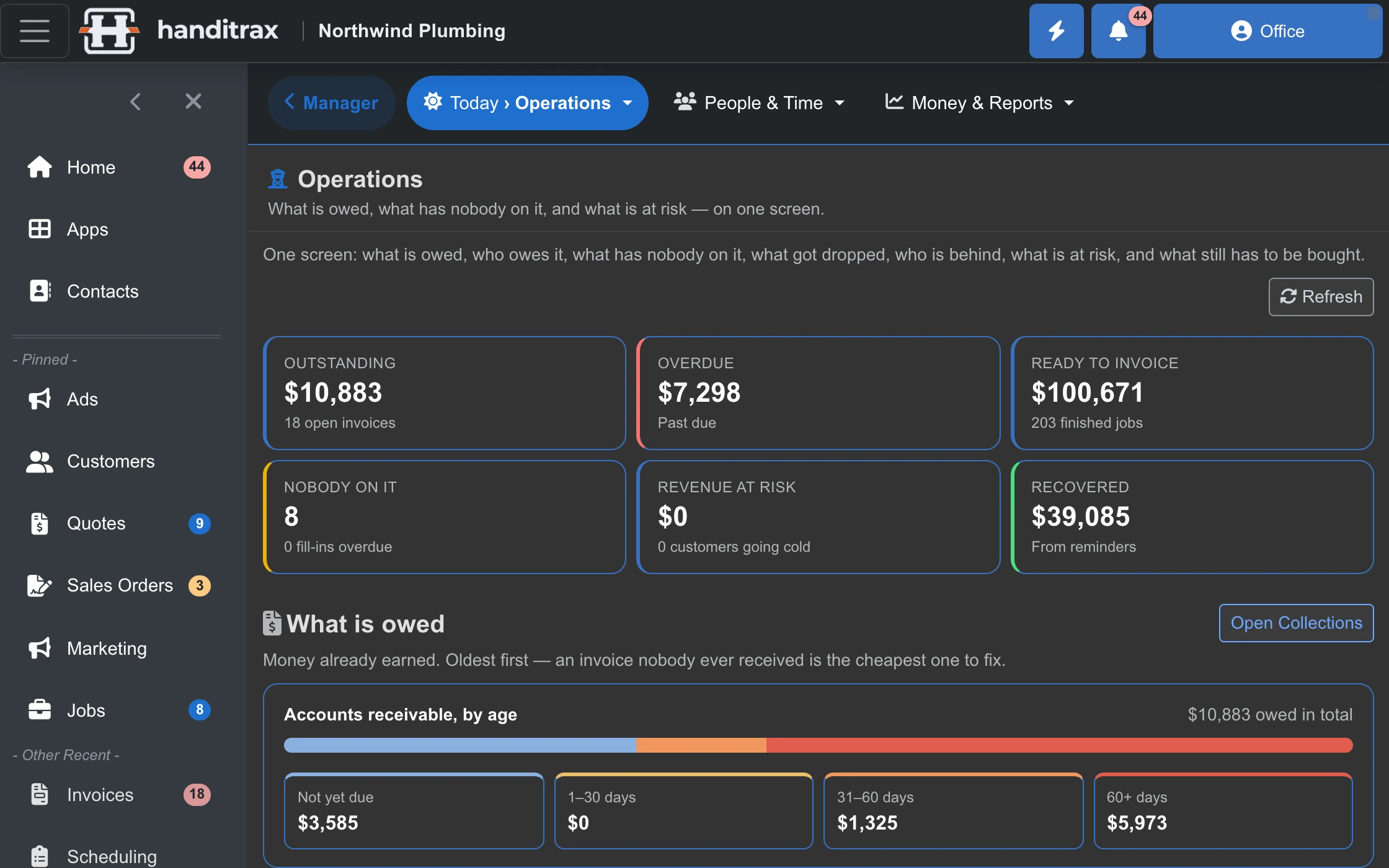
Watch it work
The office plans the day. The crew works it.
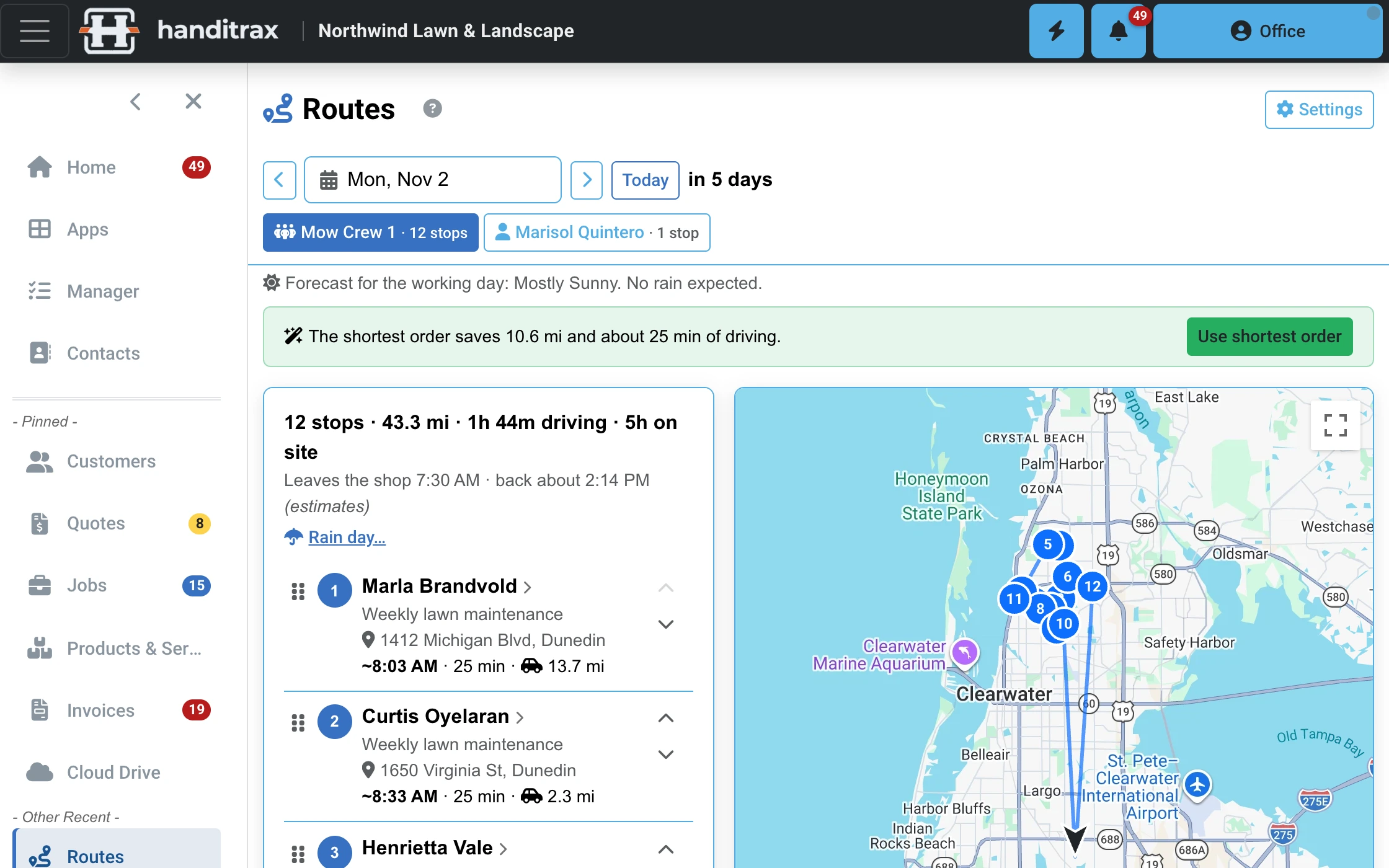
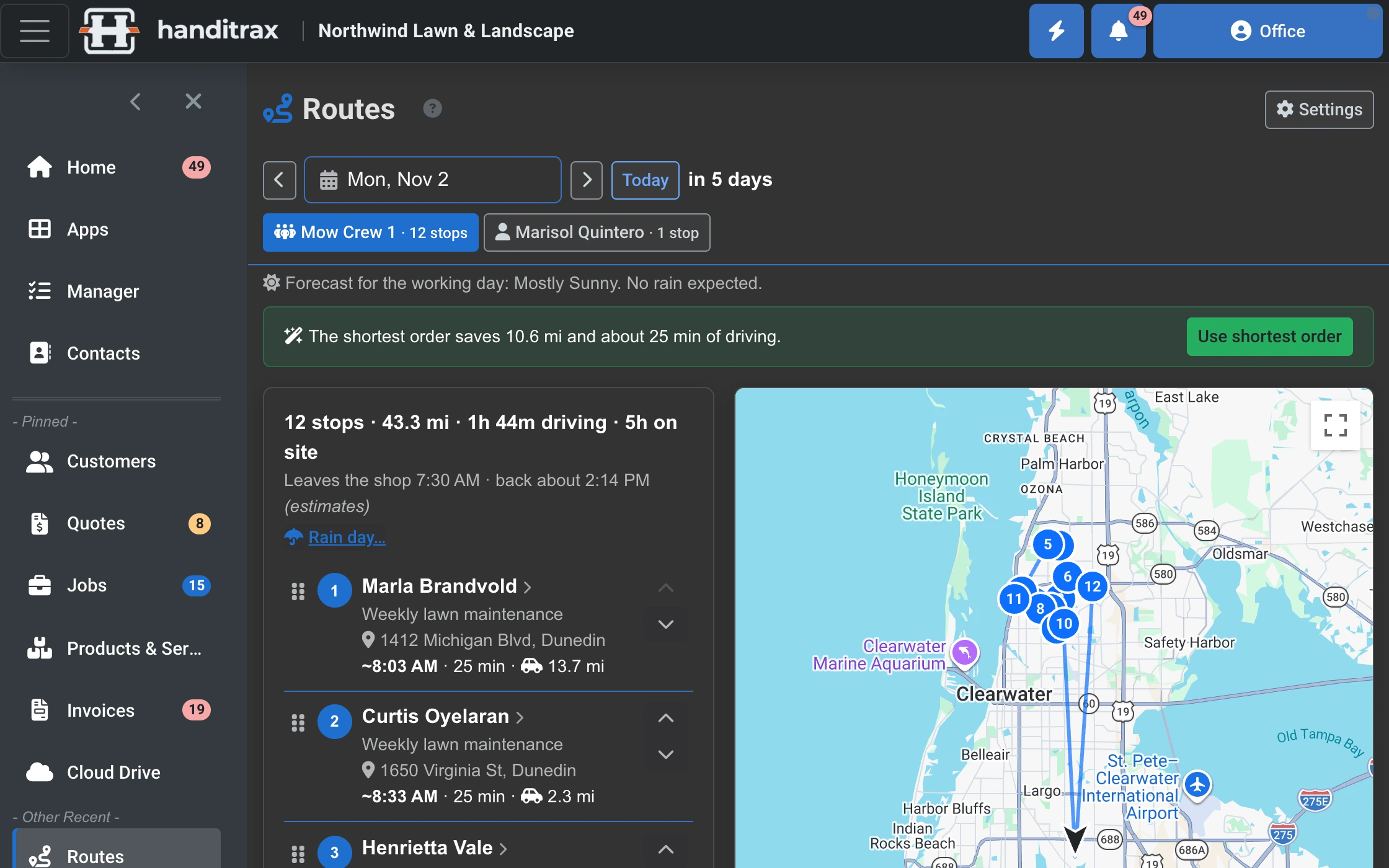
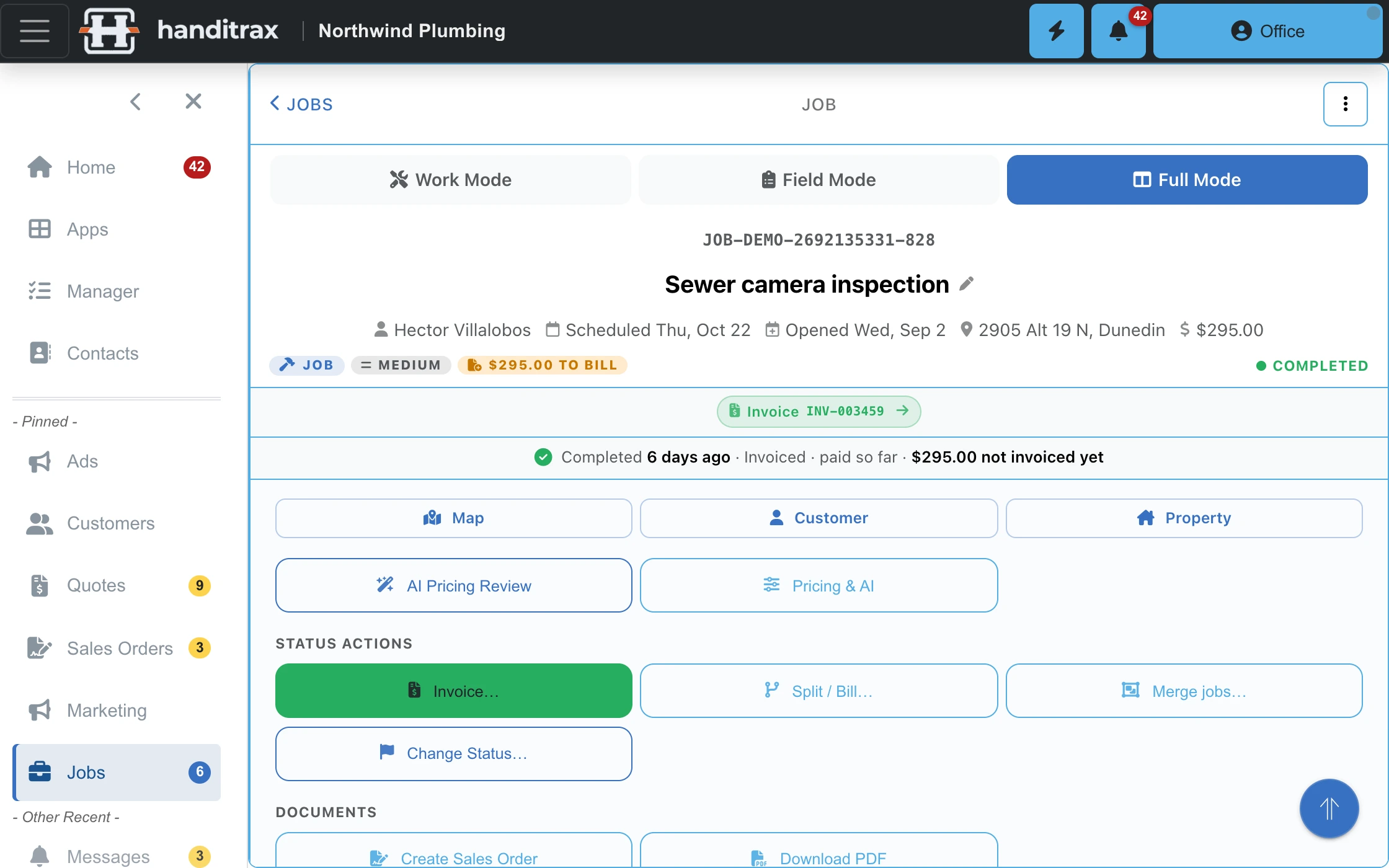
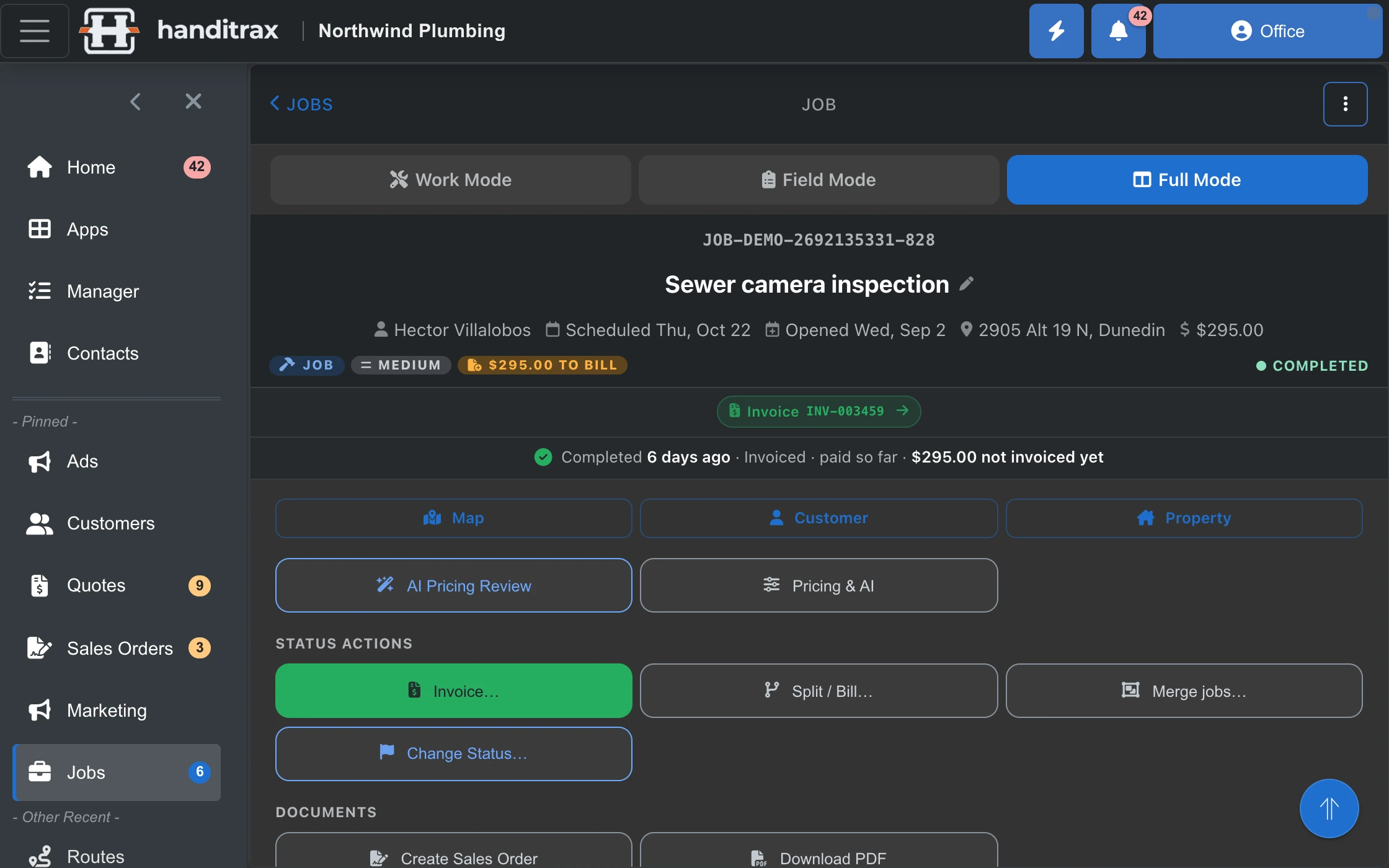
A lawn crew's route put in the shortest order in one tap — and a technician's day, from My Day to the job, in Work Mode and Field Mode.
In the truck
Your techs carry the whole job in their pocket
The same system the office runs on, built for a phone in a work glove. Their day, the address, the history, the scope — and one button to start the clock.
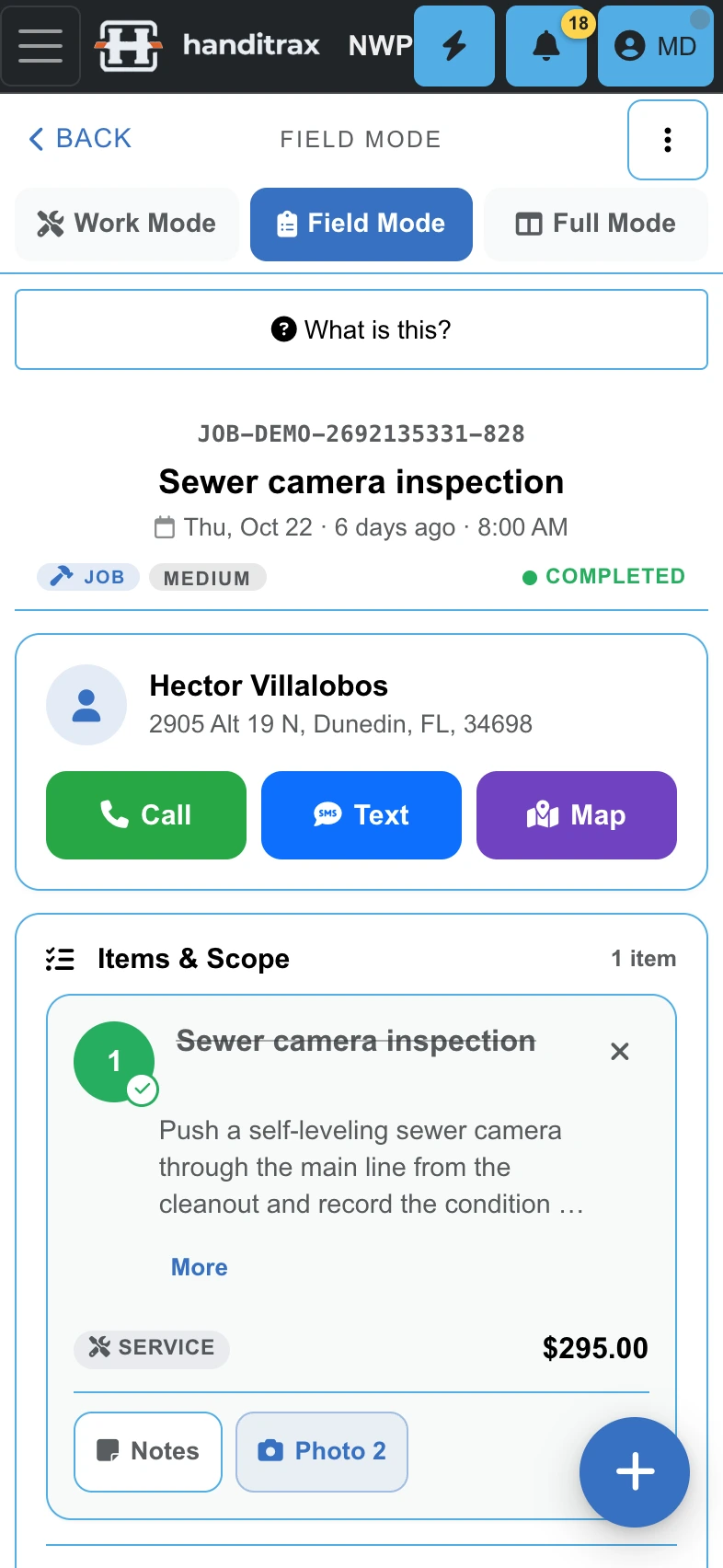
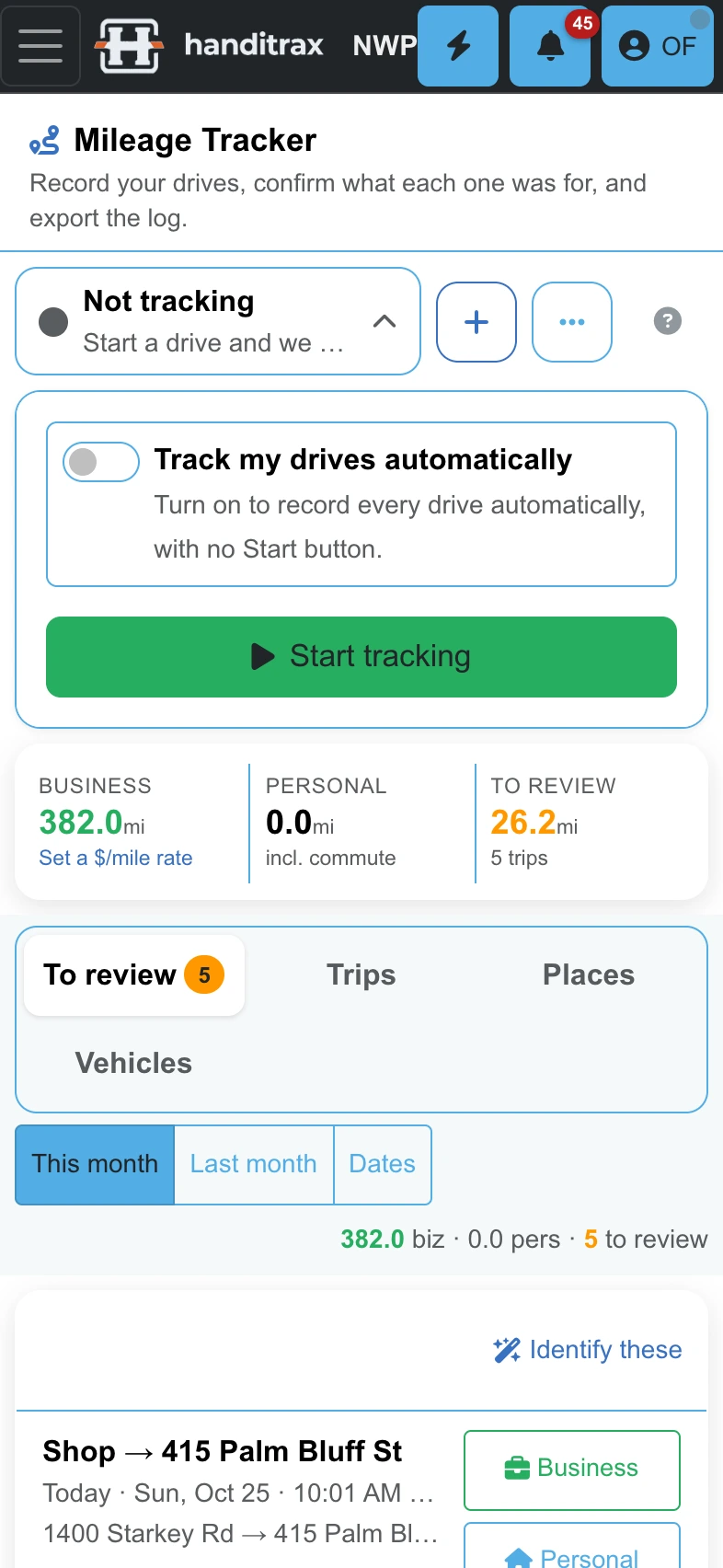
A native app for iPhone and iPad — with Siri: “What's my next job”, “Navigate to my next job”, “Start my timer” — and an installable app for Android, Windows and Mac. Same account, same data. Get the app
Route days
Mow, clean, spray — in the shortest order
For the trades that run the same customers on a schedule — lawn, pool, cleaning, pest. Recurring service plans fill the day; Handitrax puts the stops in driving order and shows the crew when they will arrive.
- Optimize the day in one tap, or drag stops into your own order — times you promised stay put
- Each crew sees its own stops, in order, on My Day — the next stop is one tap from directions
- Rain coming? Move the day, push the week or skip the cut for every outdoor stop at once
- Recurring service plans build the route for you, week after week
Manager On Pro and up
Run more than one truck without losing track
Every crew's day on one map
Today's work and each crew's route on a map, so a bad day is easy to see and to fix.
Margin by job, tech and month
Actual cost only, so you can see which jobs, which people and which months made money.
Who has room this week
Capacity for each person, with time off already counted, so you book the week you can actually work.
Time off, approved in one place
Approve or turn down time-off requests, and capacity counts them.
Works with
Plugs into the tools you already run on
Your books, your calendar, your contacts, your files, your phone — and the AI app you already use.
- QuickBooks Online
- Stripe
- Google Calendar and Contacts
- Microsoft 365
- iCloud Calendar and Contacts
- SharePoint, OneDrive, Google Drive, Dropbox
- Your phone system
- Google and Microsoft 365 calendars sync both ways, and iCloud calendars show alongside On Full and up
- Google and Microsoft 365 contacts sync both ways; bring iCloud contacts or a file in once
- QuickBooks Online syncs both ways, and every card payout becomes a matching deposit, fees and all On Full and up
- Your photos, documents and quote and invoice PDFs copied to your own SharePoint, OneDrive, Google Drive or Dropbox, in a folder for each customer and job
- Miss a call on your business line, and the caller gets a text back automatically On Full and up
Bring your own AI
Ask ChatGPT, Claude, Grok or Cursor about your business
Connect the AI app you already pay for. It signs in as you, with your permissions — never more — and can look up the week's schedule, who owes you, or a customer's history. Let it, and it can schedule a job, log time or draft an invoice. Every change asks you first, and it never contacts a customer.
Prefer to stay inside Handitrax? Pro includes an assistant that answers questions about your own jobs, customers and money.
Make it yours
Your business, set up your way
- Your logo and colours on every customer page, email and PDF
- Your own numbering for quotes, invoices and sales orders
- Your terms, saved once and reused, deposit wording included
- Email sent from your own domain, with a different sender for each kind of email On Full and up
- Roles you build, so each person sees what their job needs and no more
- Switch off what you don't use, and it disappears from every menu
Works the way you do
Bright sun on a roof. A dark cab at 6 a.m.
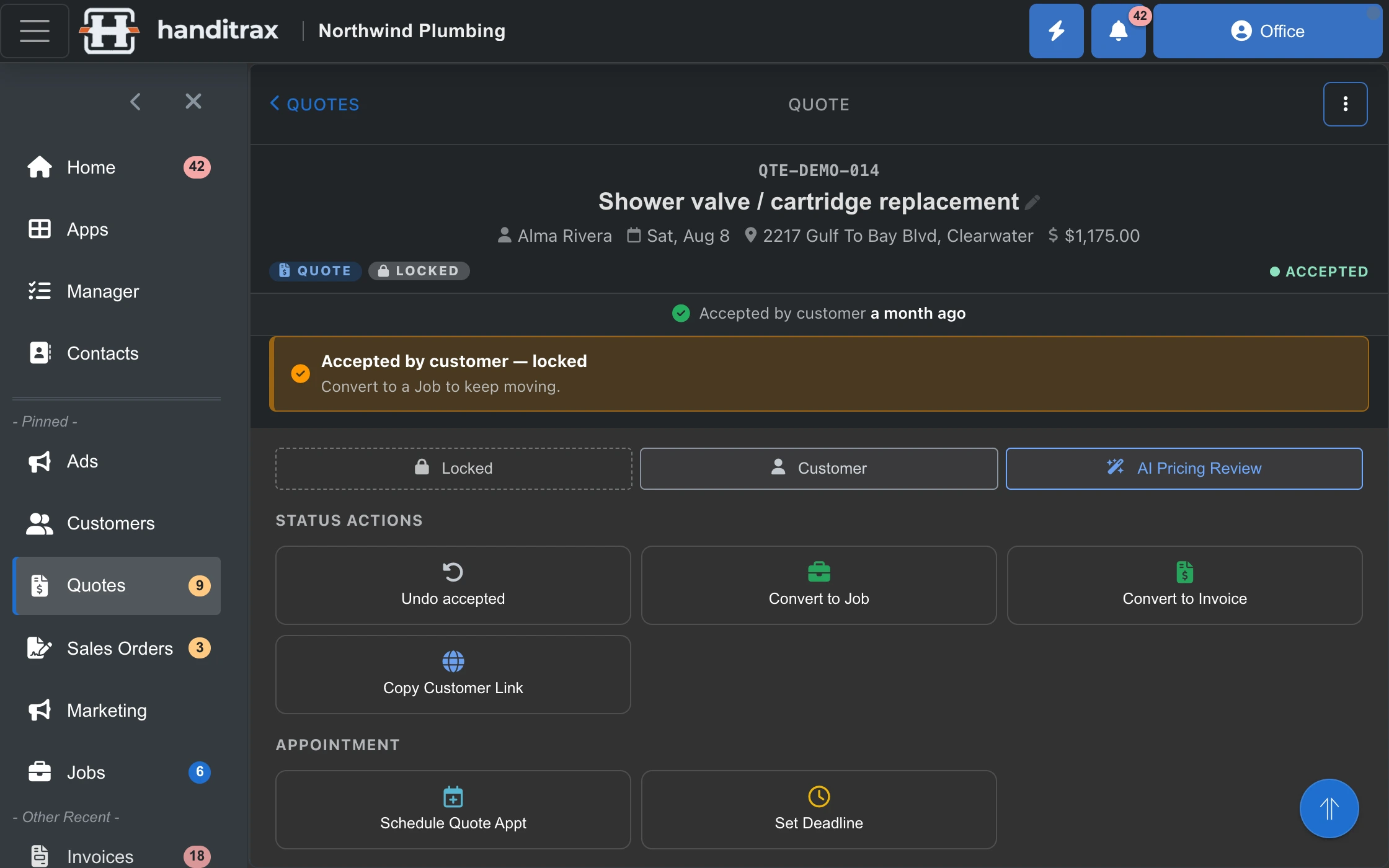
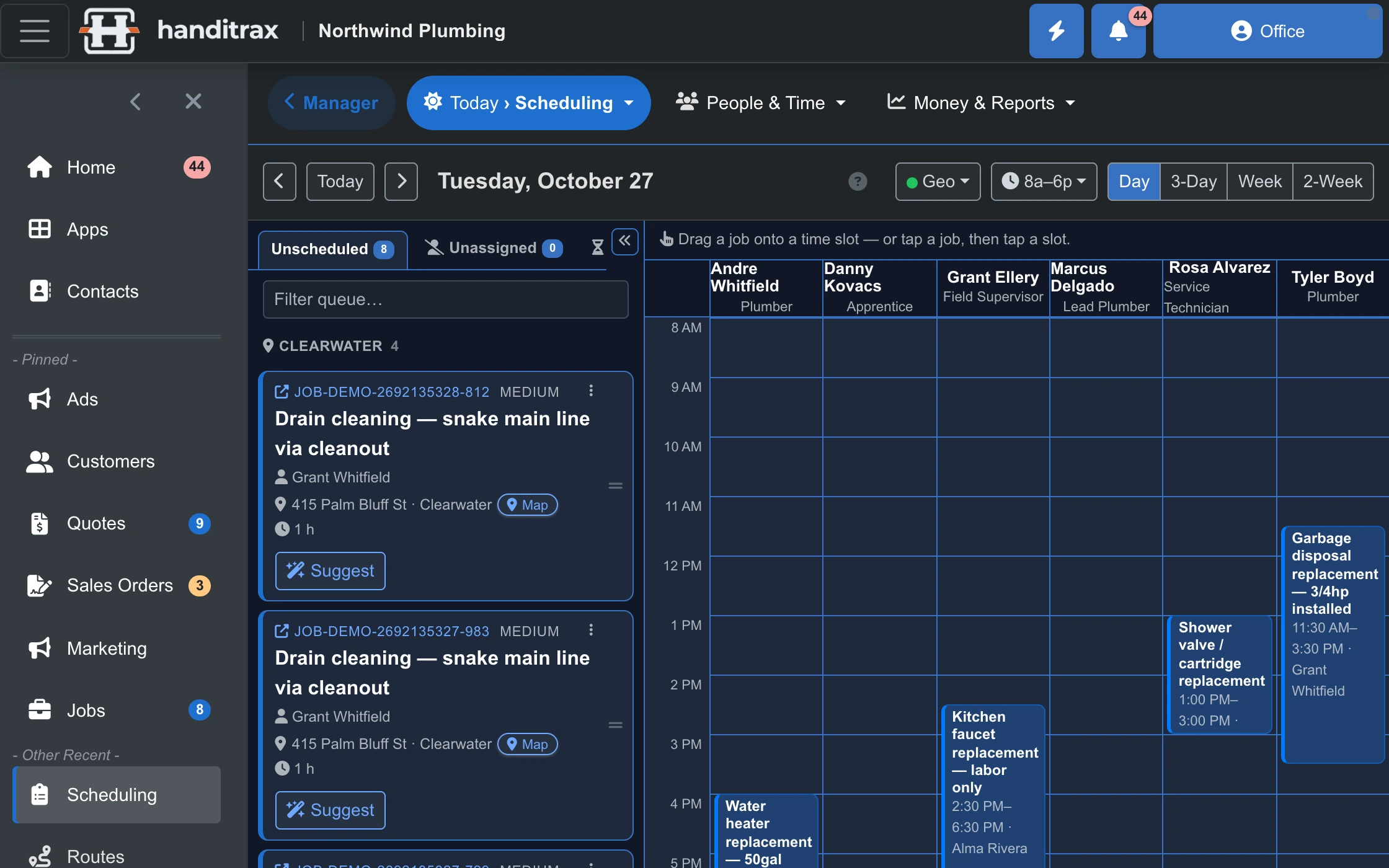
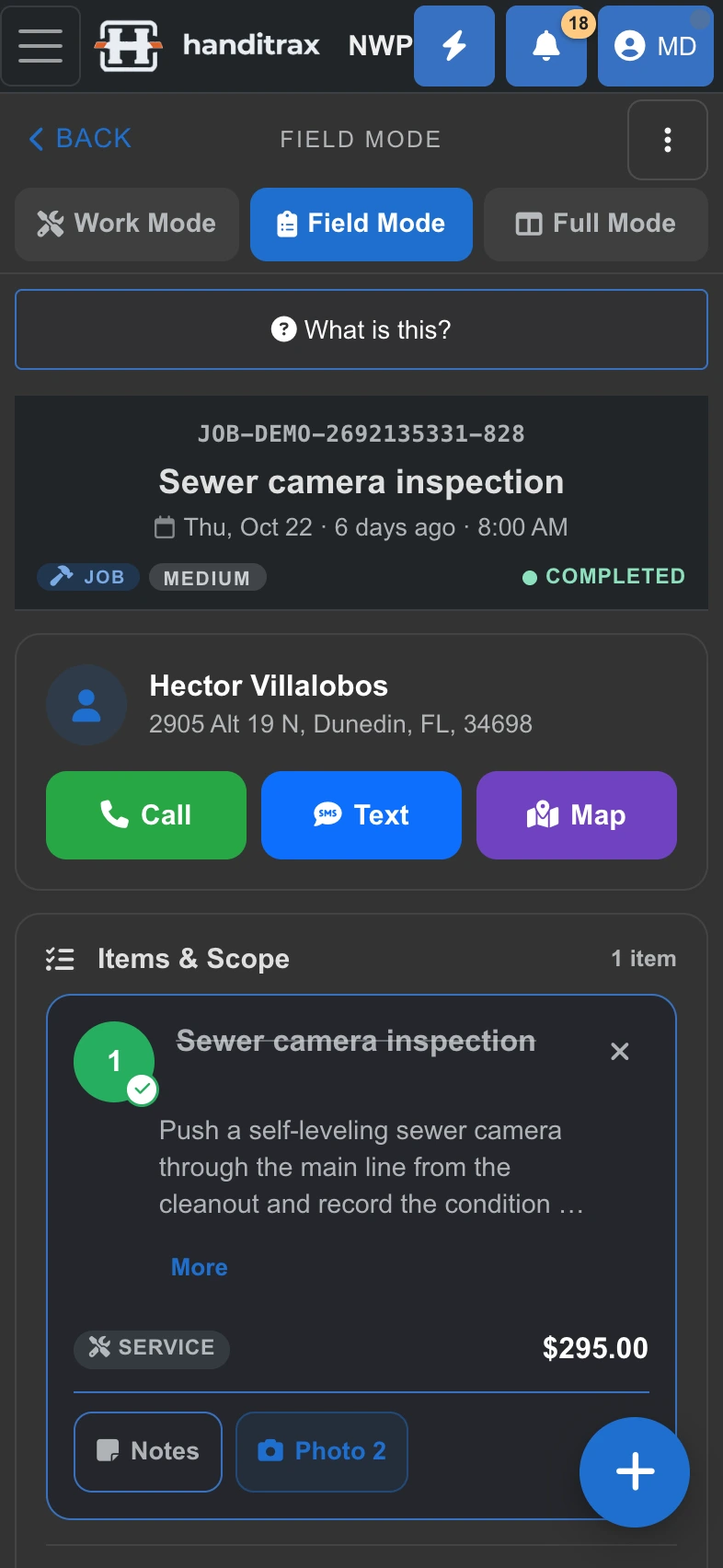
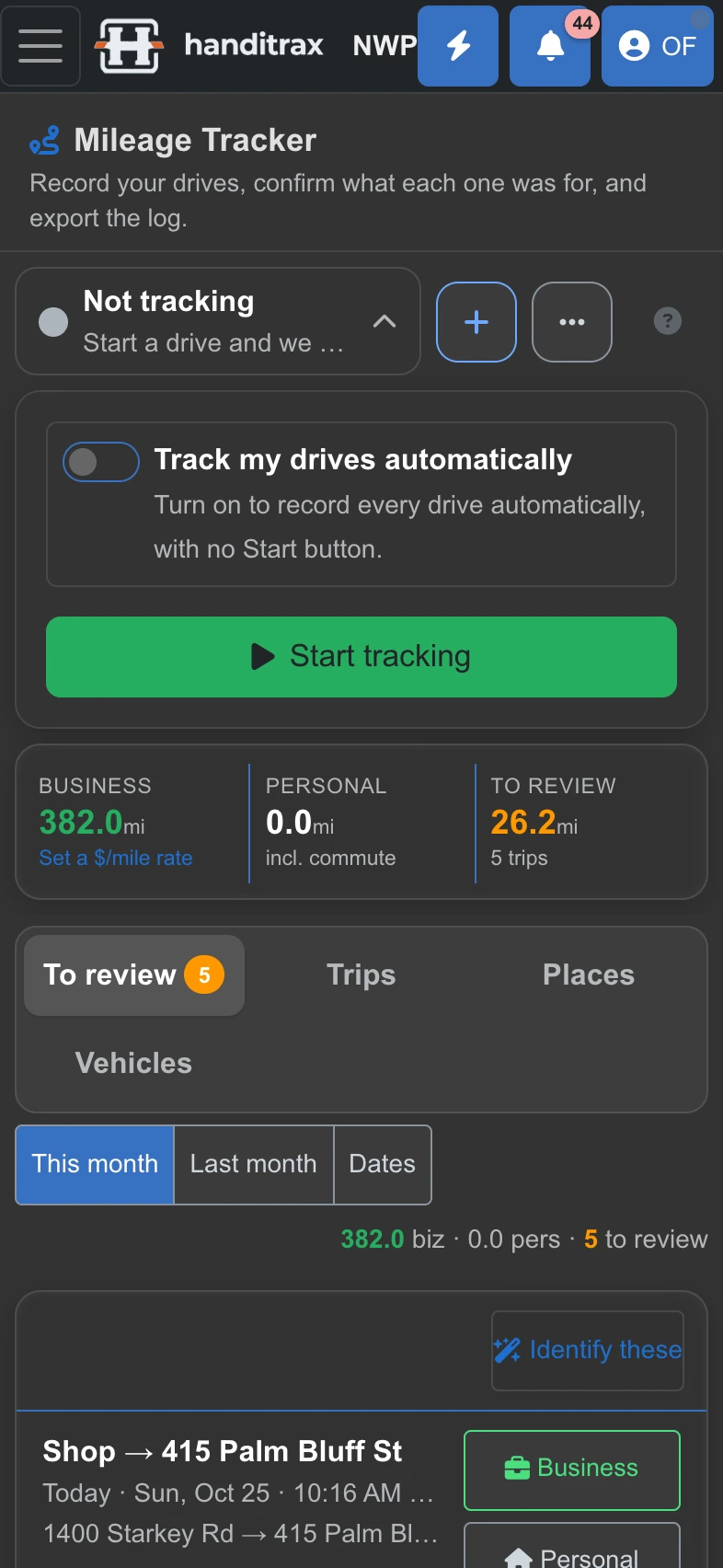
Light and dark modes everywhere, English or Spanish per person, and the same screens on a phone, a tablet or the office computer. Drag the slider.
- Switch the language on any phone or computer — the office in English, the crew in Spanish, on the same job
- Your customers can switch their portal to Spanish too
- Every trade pack ships with its own services, price bands and job types
Built for the trades
It already speaks your trade
11 trades ship with their own service catalogue, price bands and job types — so the first screen you see has your work on it, not a demo plumber's.
- Plumbing
- HVAC
- Handyman
- Lawn and landscaping
- Irrigation
- Cleaning
- Duct cleaning
- Glazing
- Windows and doors
- Epoxy and coatings
- Property management
Not listed? The trade packs are data, not code — a new one is a short conversation, not a release.
Pricing
Your crew grew. Your software bill did not.
Quote, schedule, invoice and get paid on one system — for one flat monthly price with unlimited users. Add a tech, add an apprentice, add the office. The price does not move.
Lite
$79
A solo operator or a small crew who mainly need the work quoted, done and billed.
Recommended for most shops
Full
$179
A shop with an office to run, not just work to do — a scheduling board, online booking, deposits on sales orders, vendor bills and QuickBooks.
Pro
$349
A ten-to-twenty-five person shop running crews, where margin by technician is a question someone asks out loud.
No setup fee, no per-user fee and no contract on any plan. What changes between them is which features you get, never how many people log in. Your own Stripe account at Stripe's rate. Handitrax takes 0%.
Straight answers
Do you really not charge per user?
Correct. $79 a month, $179 or $349 — unlimited users on all three. What changes the price is which set of features you need, not how many people log in.
What do you take on card payments?
Nothing. You connect your own Stripe account and Stripe bills you their rate directly. We never sit between you and the money.
Is there an app for my phone?
Yes. There is a native Handitrax app for iPhone, and on Android, Windows and Mac you install Handitrax straight from the browser — it gets its own icon and opens full screen. One account works on all of them. How to get it
Can my customers text us back?
Handitrax sends the appointment, quote and invoice texts. Connect your business phone system (on Full and up) and those texts go out from your number, so when a customer answers, it lands in your phone system like any other message — not inside Handitrax.
Does it work with QuickBooks?
Yes — two-way QuickBooks Online sync for customers, items, invoices and payments, card payouts matched to their QuickBooks deposits, and 1099 tracking on the vendor side.
Can I get my data out?
Whenever you want, in full, with no export fee and no contract to exit. On Full and Pro you export it yourself from inside Handitrax; on Lite, ask and we send it.
Do I keep my own copy of my files?
Yes, on every plan. Connect your company's OneDrive, SharePoint, Google Drive or Dropbox and Handitrax copies your photos, documents and quote and invoice PDFs into it on its own, in a folder for each customer and job. It keeps up as you work, and nothing in your cloud is ever deleted by us.
Is the Spanish any good, or is it machine-translated?
It is a maintained translation covering more than 95% of the interface, across the office and the field. Each person picks their own language, and your customers can switch their portal to Spanish too. It is not a browser translate button over an English app.
Get your evenings back
Tell us your trade and how many people you run, and we will show you Handitrax with your kind of work already in it.