Get the app
The whole business, in the truck
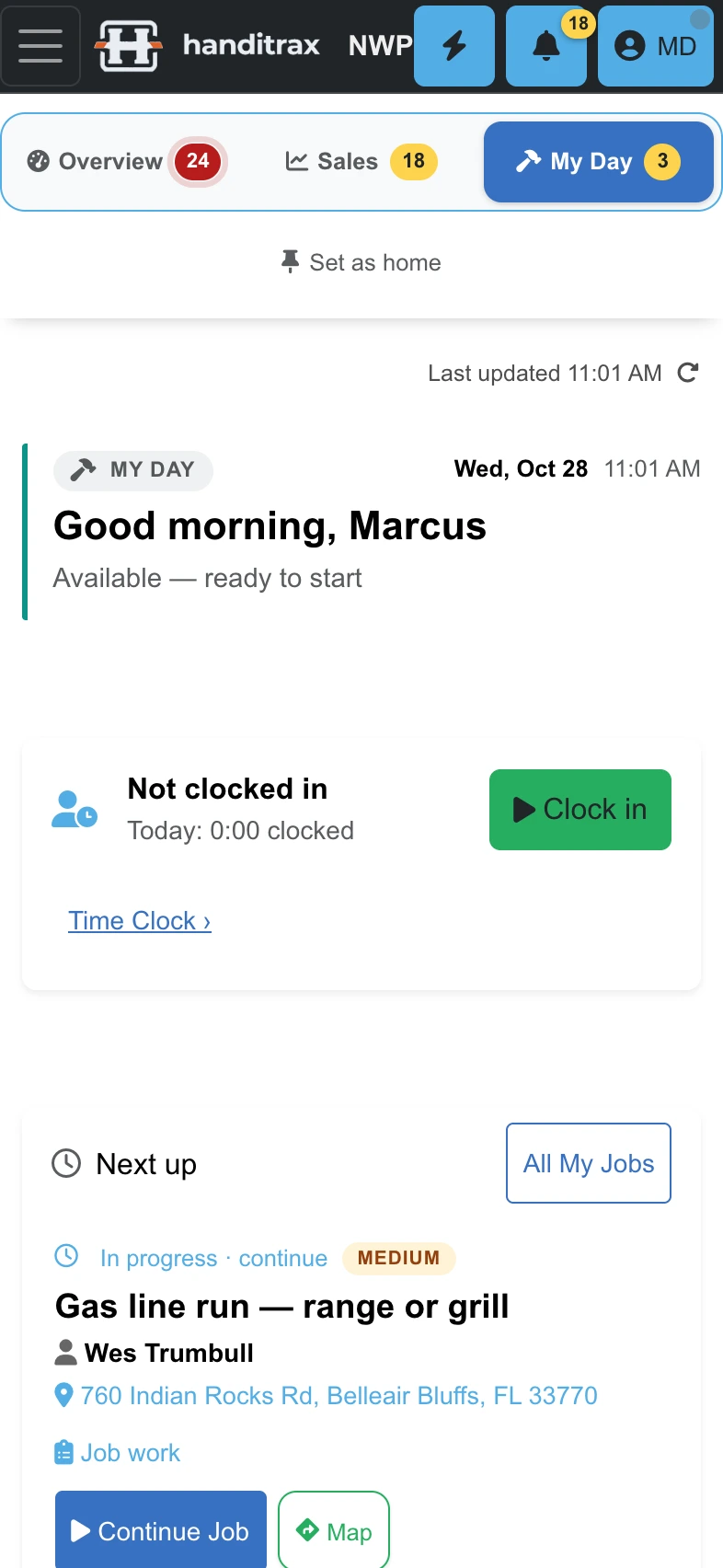
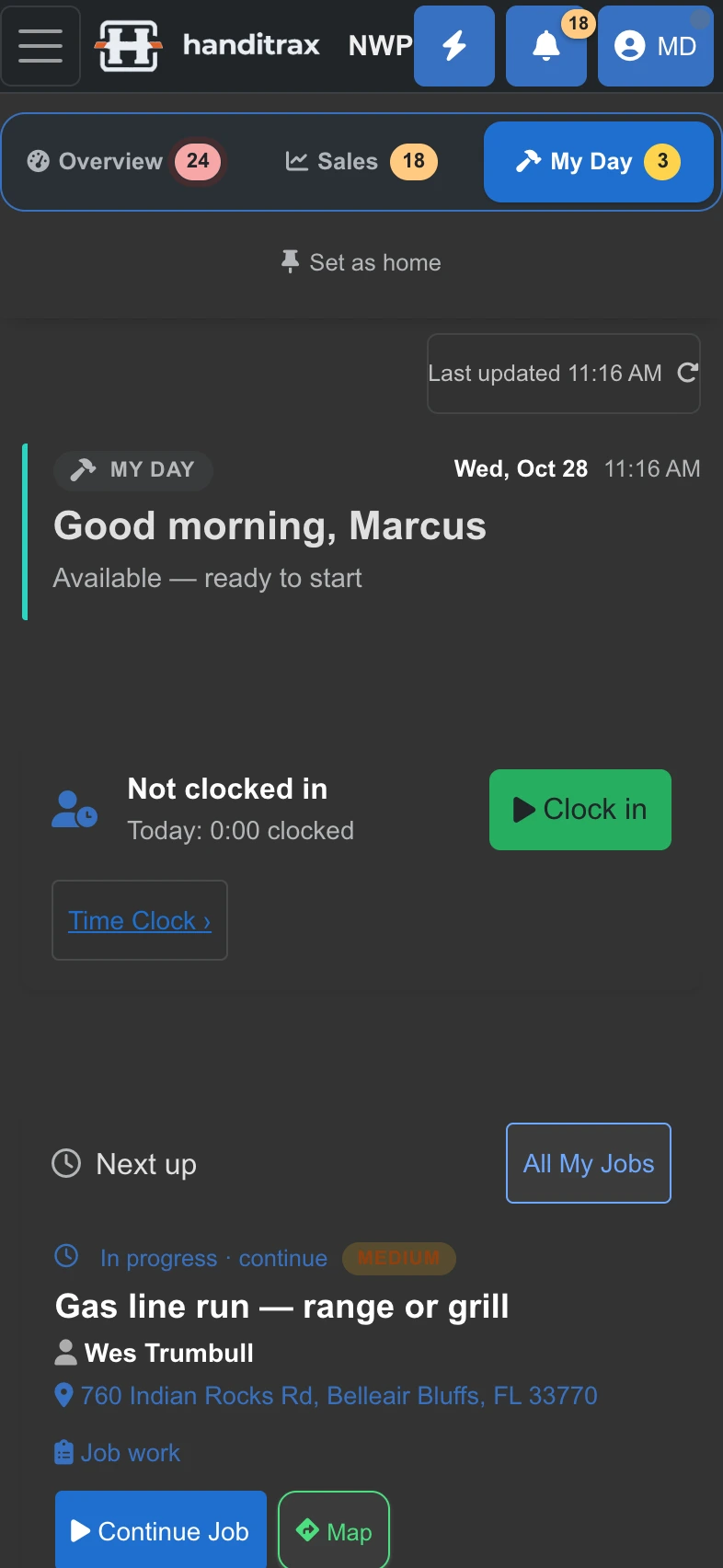
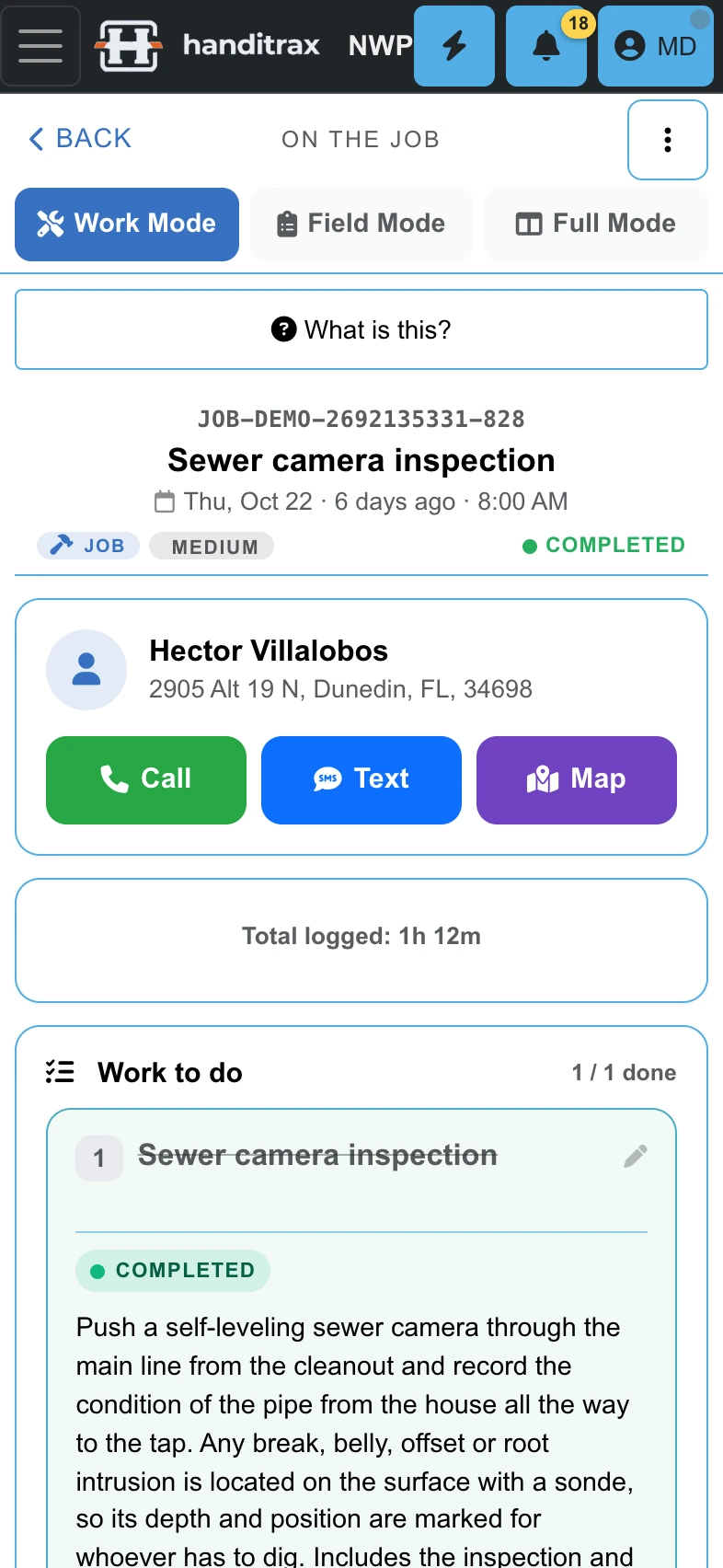
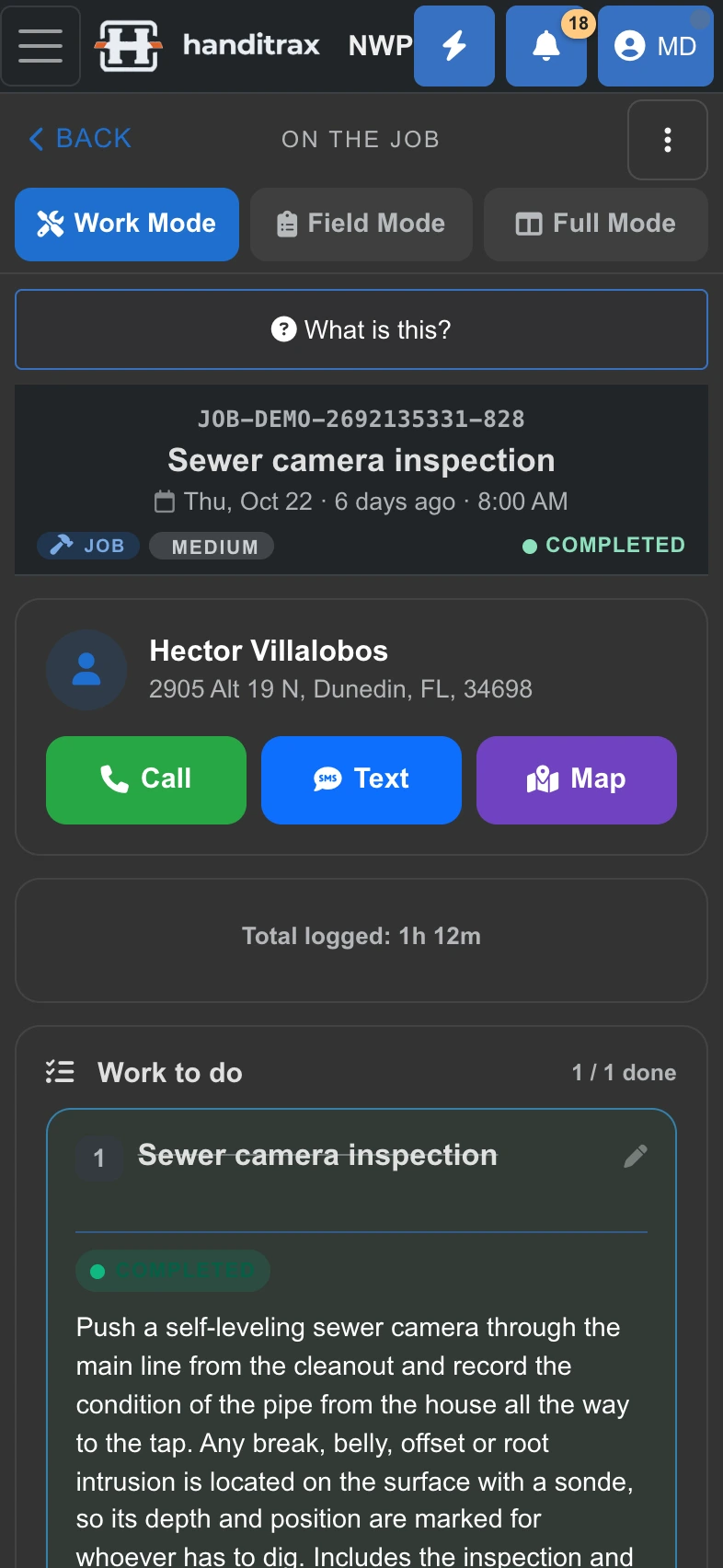
Handitrax runs on the iPhone in your pocket, the tablet on the dash and the computer in the office — one account, the same jobs, the same customers, always in sync.
Free to install. Your Handitrax plan covers every device and every person on your team.
Three ways to use it
Same Handitrax, wherever you open it
Pick the way that suits the device in your hand. You can use all three — your work follows you.
The iPhone app
Download Handitrax from the App Store and sign in with your usual account. It adds what only a native app can do: mileage that logs itself, notifications on your lock screen and reminders when you arrive on site.
Installed from the web
On Android, Windows, Chromebook and Mac, add Handitrax straight from the browser. It gets its own icon, opens full screen in its own window and updates itself. No store needed.
In any browser
Go to app.handitrax.com on any phone, tablet or computer and sign in. Nothing to install — handy on the office PC or a borrowed laptop.
Native on iPhone and iPad
What the iPhone app does that a browser tab cannot
Everything in Handitrax, plus the parts of the phone a website is not allowed to touch.
- Hands-free with Siri“What's my next job?” “Navigate to my next job.” “Start my timer.” Gloves on, phone in the cup holder.
- Measure with the cameraA length, a window or door (width × height), or an area by its corners — straight onto the quote.
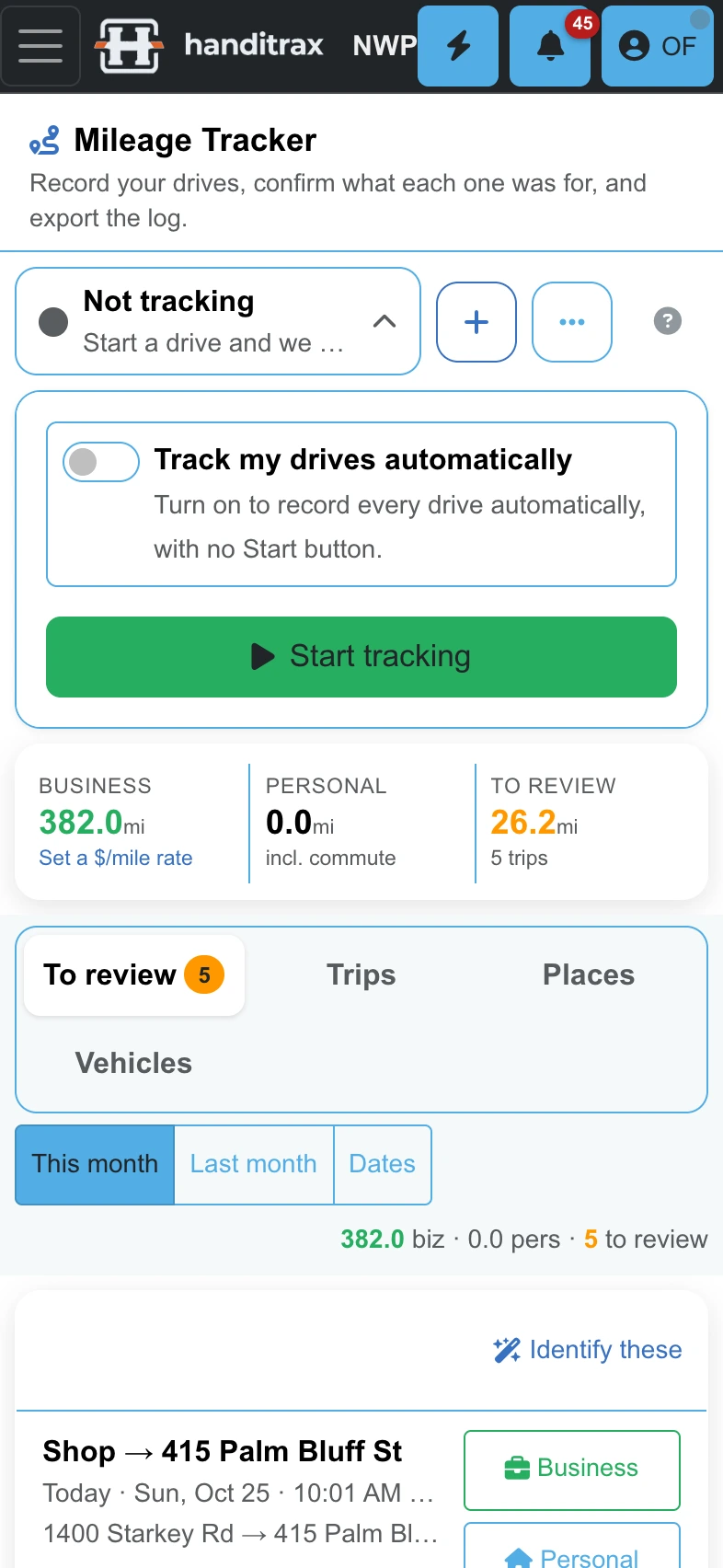
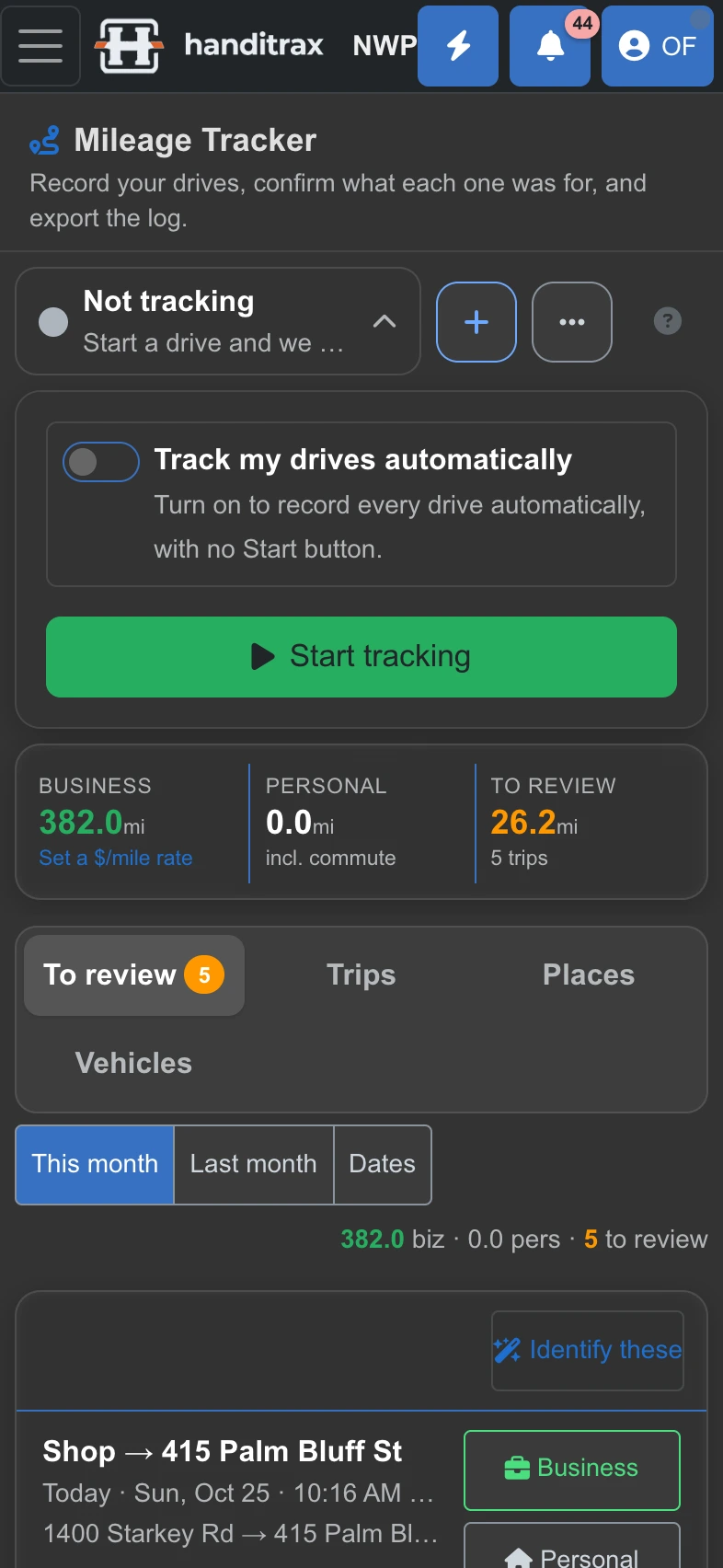
- Mileage that logs itselfTurn on automatic tracking once. Drives are recorded with the phone in your pocket, ready to mark business or personal.
- NotificationsThe updates you would otherwise miss land on your lock screen, with a badge on the app icon.
- Reminders when you arriveLeave a note on a job — gate code, dog in the yard, bring the long ladder — and it pops up when you pull up to the address.
- Camera, straight to the jobBefore and after photos go onto the job and the line they belong to, not into your camera roll.
- Share and saveSend a quote or invoice PDF through Messages, Mail or AirDrop, or save it to Files.
- English and SpanishThe same app in either language, chosen on each phone.
Hands-free
Just ask Siri
Your techs can run the day without picking up the phone. Say it to Siri, or add it to the Shortcuts app.
Install in under a minute
Here is how, on your device
On iPhone, use the App Store. Everywhere else, open app.handitrax.com in the browser named below, sign in, then:
iPhone and iPad
- Open the App Store.
- Search “Handitrax”.
- Tap Get, then sign in.
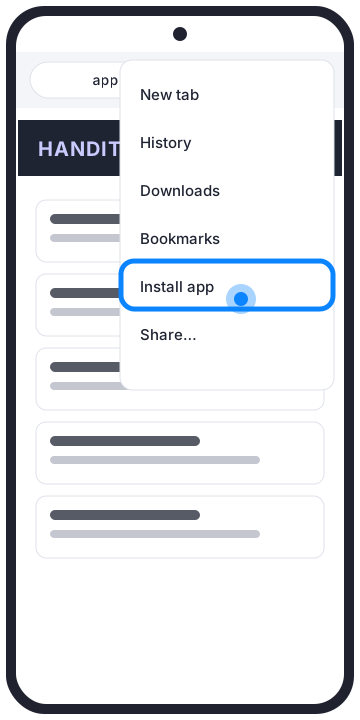
Android
- Tap the ⋮ menu.
- Tap Install app (or Add to Home screen).
- Tap Install.
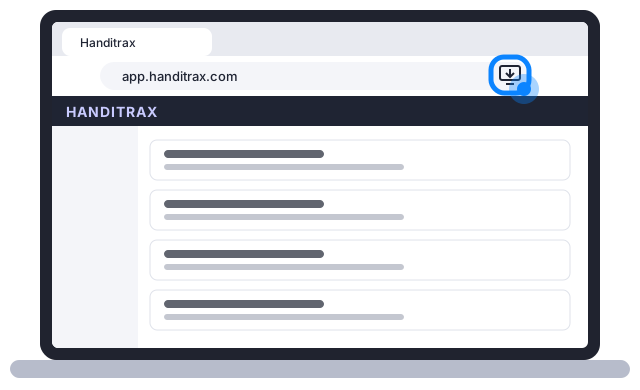
Windows and Chromebook
- Click the install icon at the right of the address bar.
- Click Install.
- Handitrax opens in its own window.
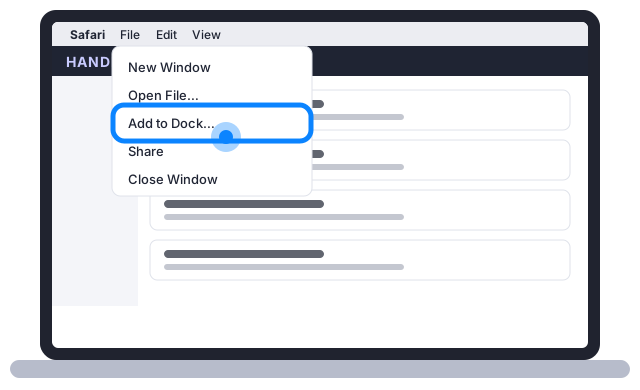
Mac
- In Safari choose File › Add to Dock.
- Click Add.
- Handitrax is in your Dock.
Questions
Does the app cost extra?
No. Installing is free, on every device, for everyone on your team. Your plan is the only bill, and it does not change with the number of people.
Do my techs need their own logins?
Yes — everyone signs in as themselves, so time, photos and notes land under the right name. Unlimited users means that costs nothing extra.
Is there an Android app?
Android installs Handitrax from Chrome instead of a store. It gets its own icon and opens full screen, and it is the same Handitrax as everywhere else.
How does it update?
By itself. The iPhone app and the installed web app both pick up the newest Handitrax on their own — there is nothing to download.
What if I lose my phone?
Your data lives in your Handitrax account, not on the phone. Sign in on the new one and everything is there.
Where do I get help?
Visit support, or email us. Every new shop is set up with you, step by step.
Put Handitrax in your pocket
Not a customer yet? Tell us your trade and how many people you run.